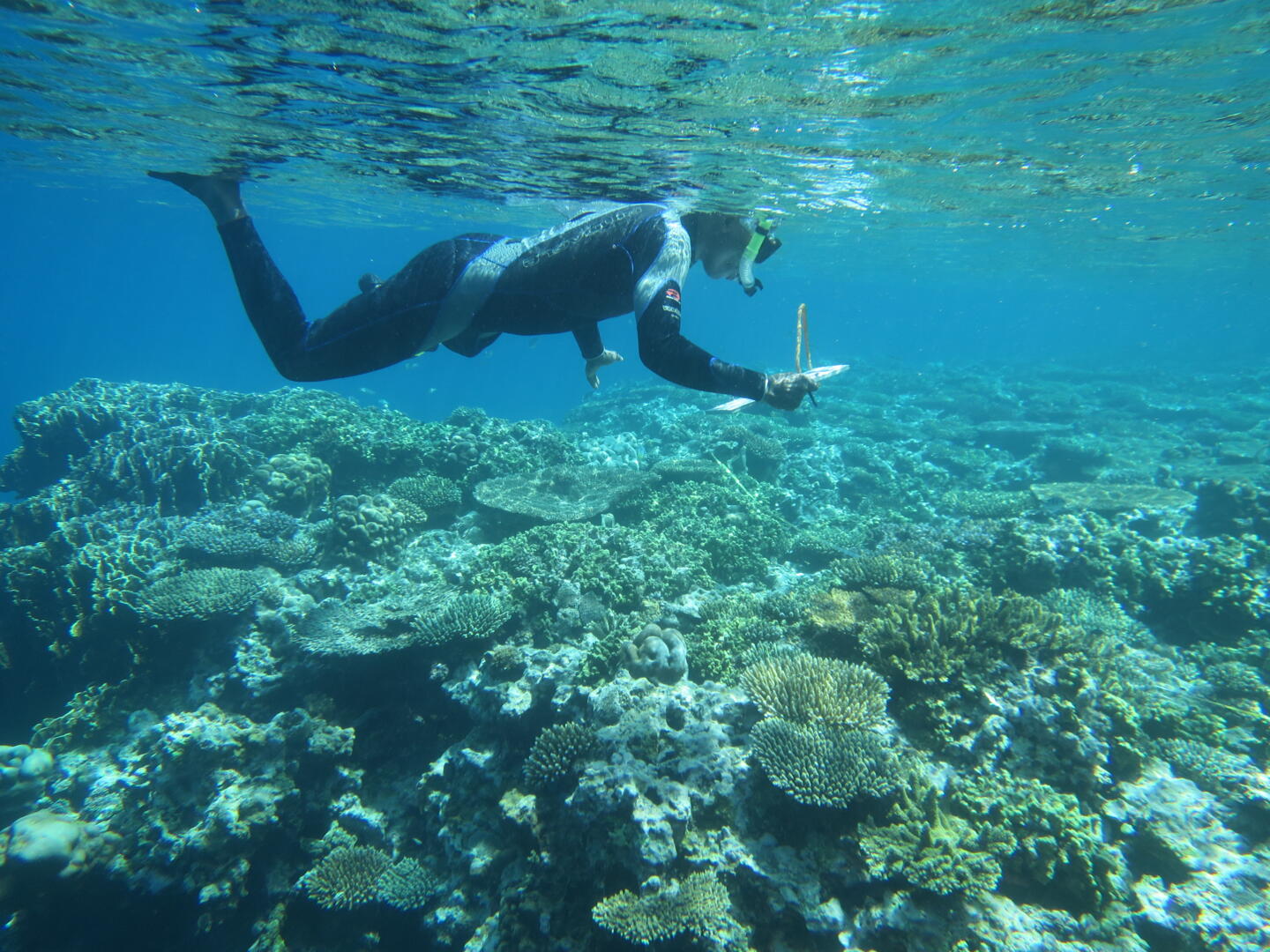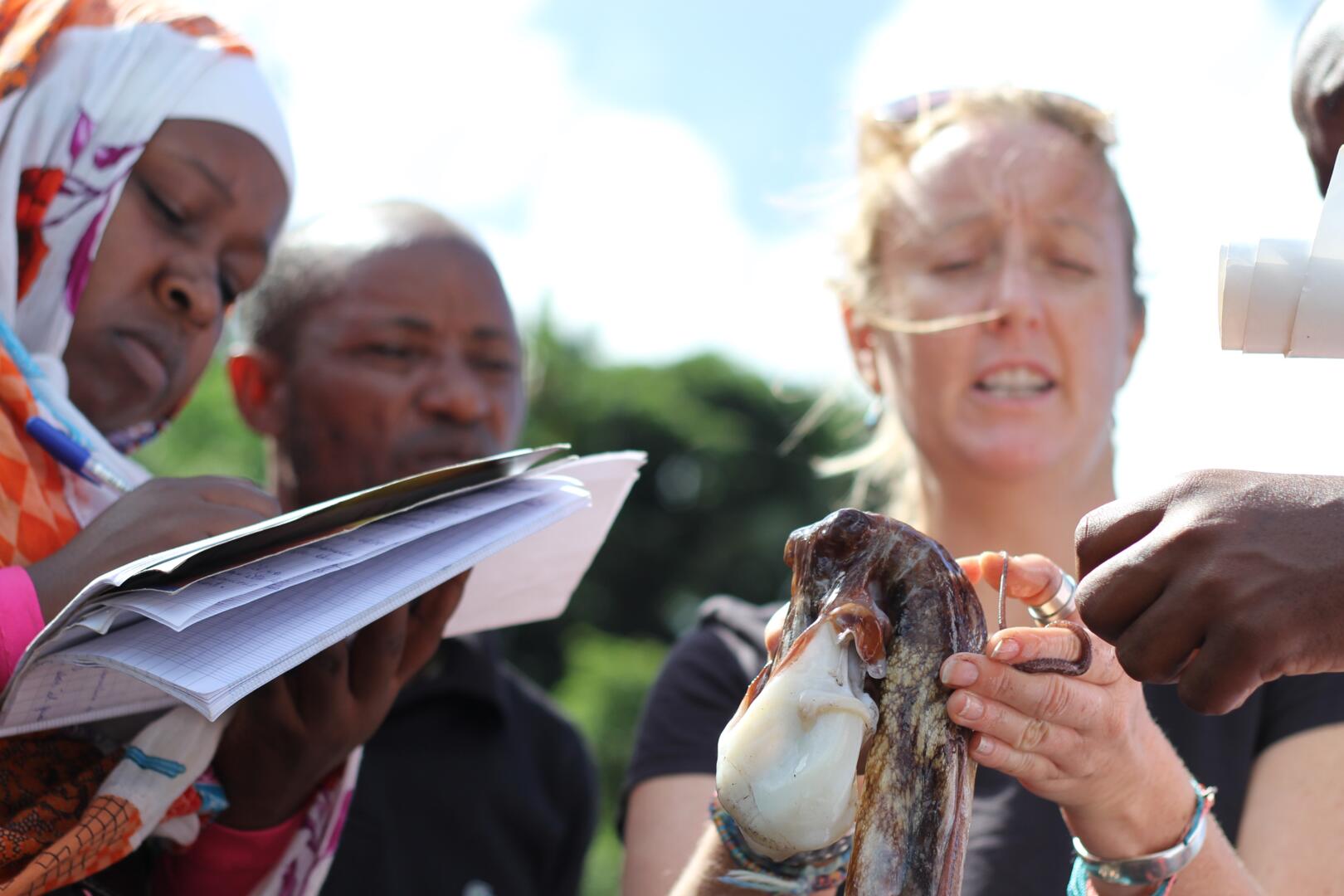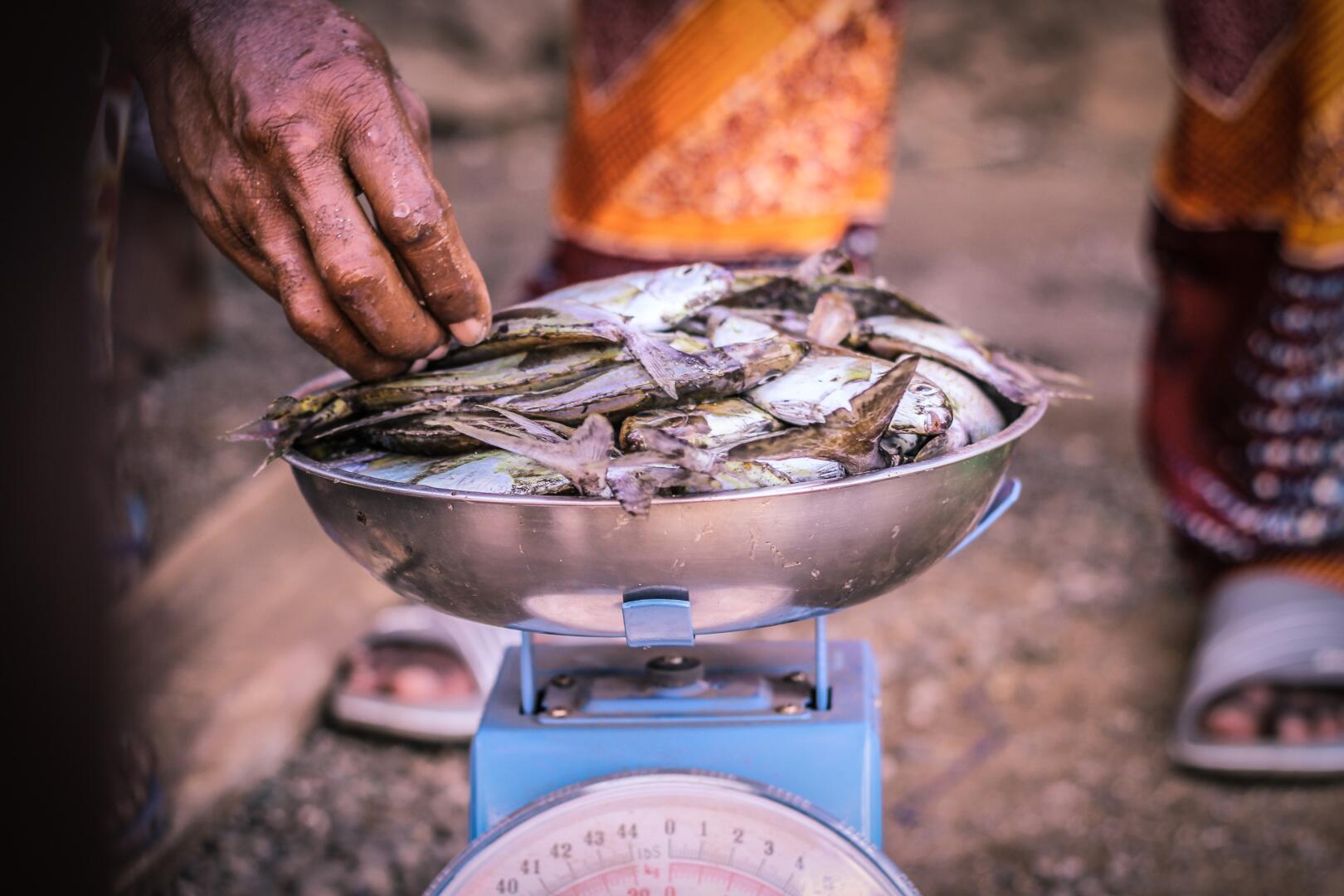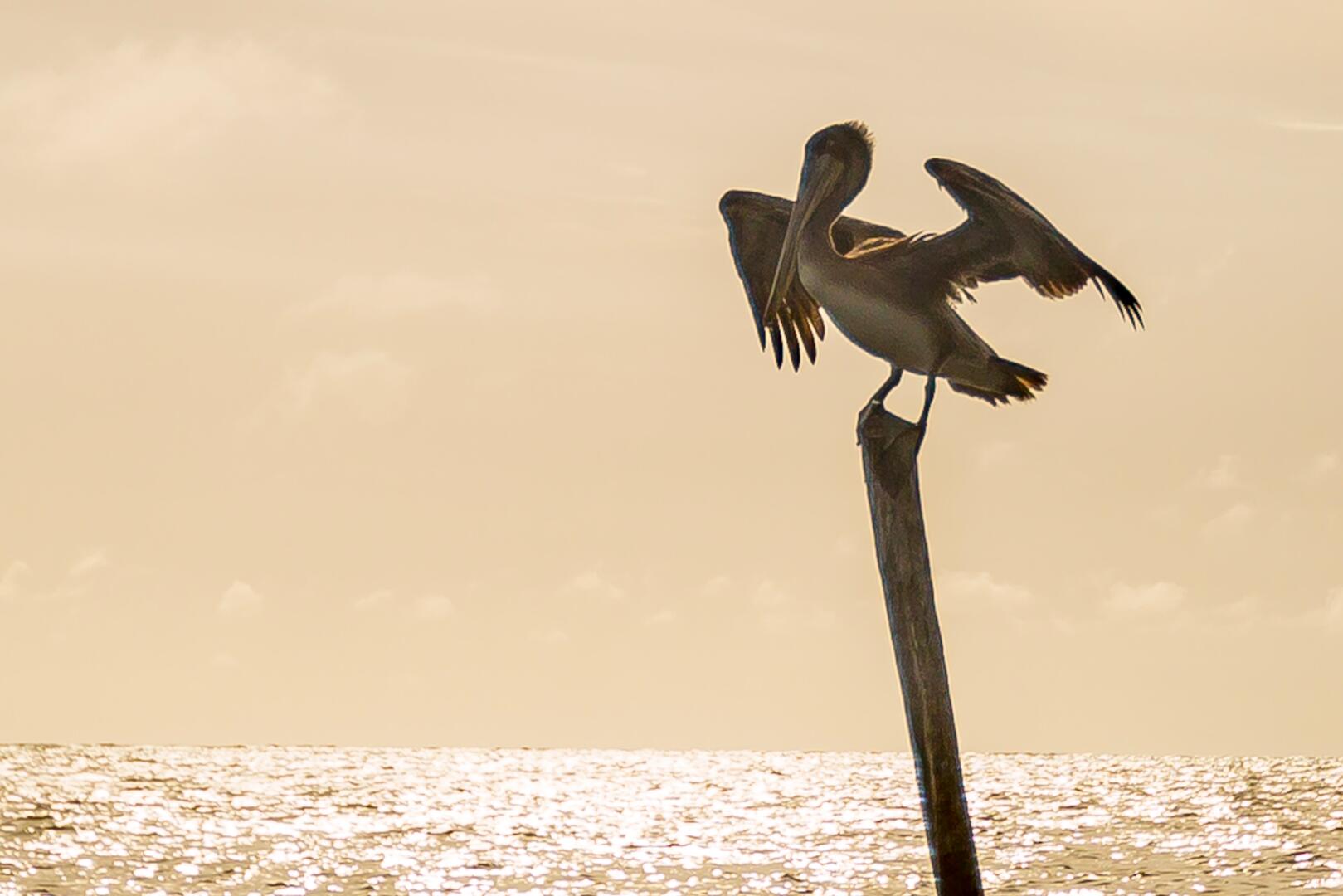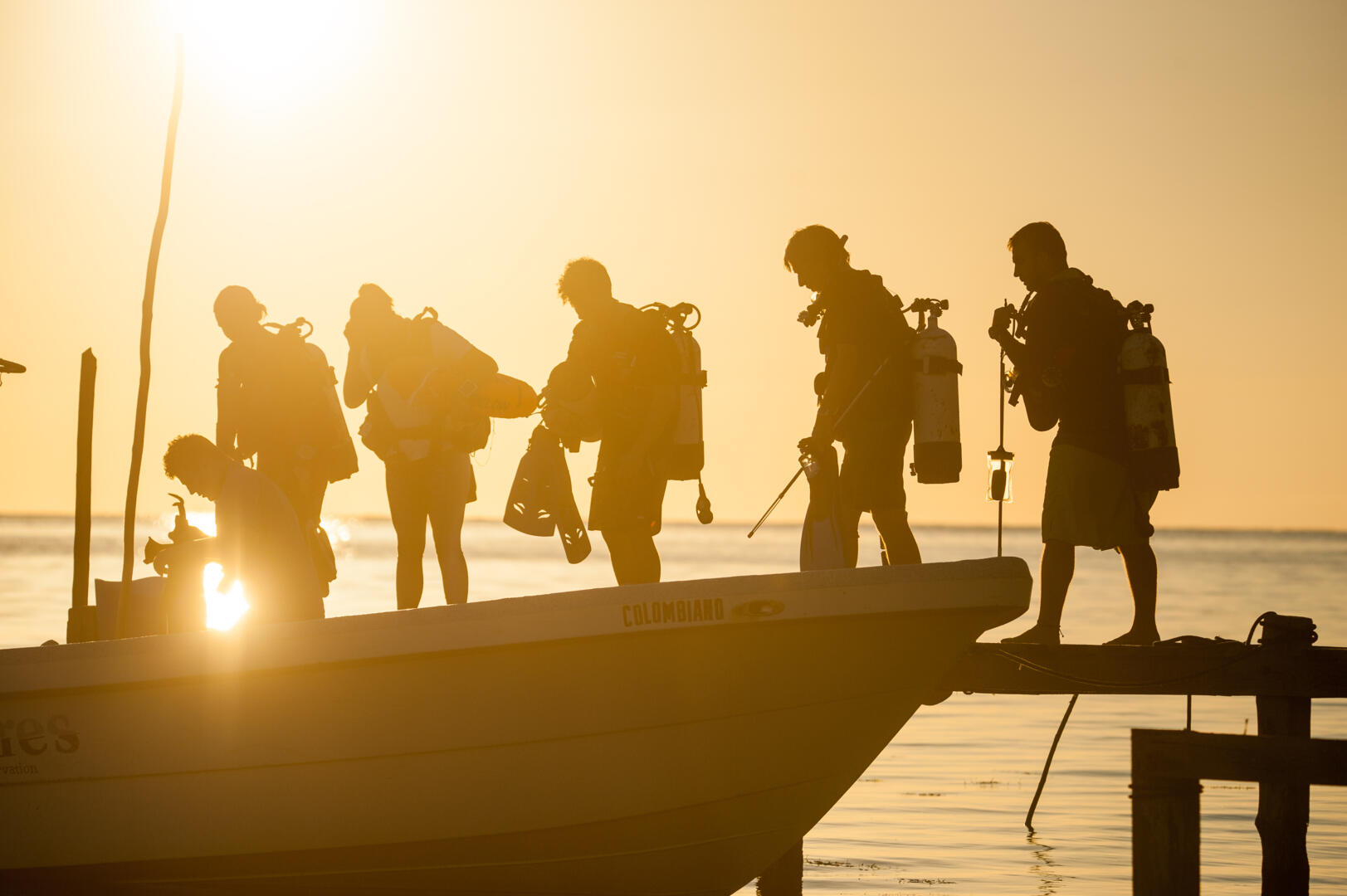
Marine conservation diving expeditions have played an important role in Blue Ventures’ journey and mission since 2003; they laid the foundations of our work, providing seed funding for local conservation efforts and enabling a permanent presence at key sites in Madagascar, Belize and Timor-Leste. The data collected by our expedition volunteers helped inform local management and provided a platform to build a range of supporting community-based tourism products and services, such as homestays, that diversified coastal livelihood opportunities, developed community capacity and boosted local economies.
In 2020, Covid-19 brought our expedition operations to a standstill and the business enterprise was placed into dormancy to reduce further losses. Thankfully, the conservation programmes and core support structure of our wider charity Blue Ventures Conservation proved resilient at a time when they had never been needed more. The scale and urgency of the challenges faced have never been greater and this now been reflected in an ambitious 2025 strategy as we look to broaden our reach and bolden our impact.
Due to logistical challenges and the changing needs and priorities of our field teams and community partners, Blue Ventures has no current plans to restart its previous expedition programme as we continue to focus on designing, scaling, strengthening and sustaining fisheries management and conservation at the community level.
Other nonprofit organisations you may wish to contact regarding expedition opportunities include: SEED Madagascar, People and the Sea, Love the Oceans, Madagascar Whale Shark Project or SACD.
We have now created a dedicated careers page that will list all current Blue Ventures job, placement and volunteer opportunities as they arise. Listings are kept up to date and new opportunities are added regularly. Please note that to remain fair and open to all, we only accept applications through this careers portal.
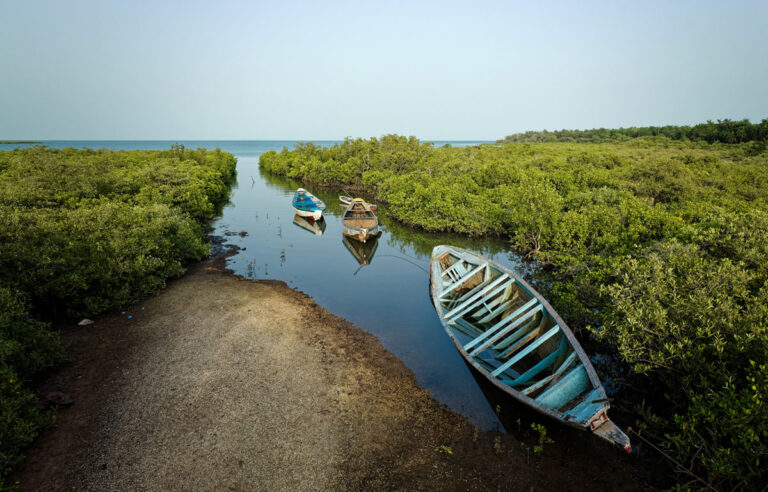
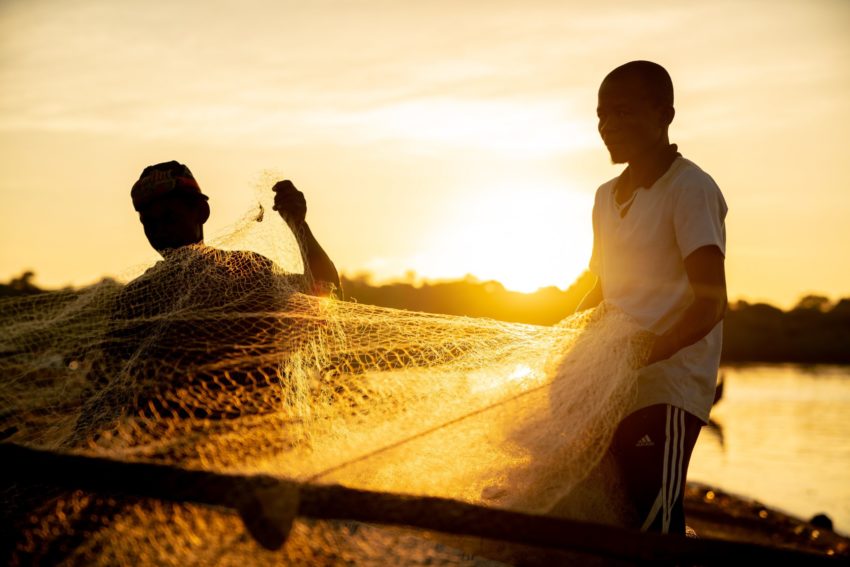
At least 6,000 fishers and 3,500 processors – mostly women – and sellers are active in the fisheries sector. Almost all artisanal-caught fish is sold and consumed locally, but fish from the distant-water industrial fleet accounts for 80% of exports from Cabo Verde.
BV works closely with the local NGO Fundaçao Maio Biodiversidade to support communities to use robust data to inform fisheries management and improve value chains. Our partnership has so far focussed on Maio island, but we have plans to scale this approach to at least five of the ten islands that make up the archipelago.
Unlike other countries in West Africa, there is no practice of community management in Cabo Verde, although there are a variety of community associations on the islands that represent fishers’ interests. BV is supporting partner organisations to strengthen the capacity of these groups to move towards the co-management of marine resources and the development of community-driven protected areas.
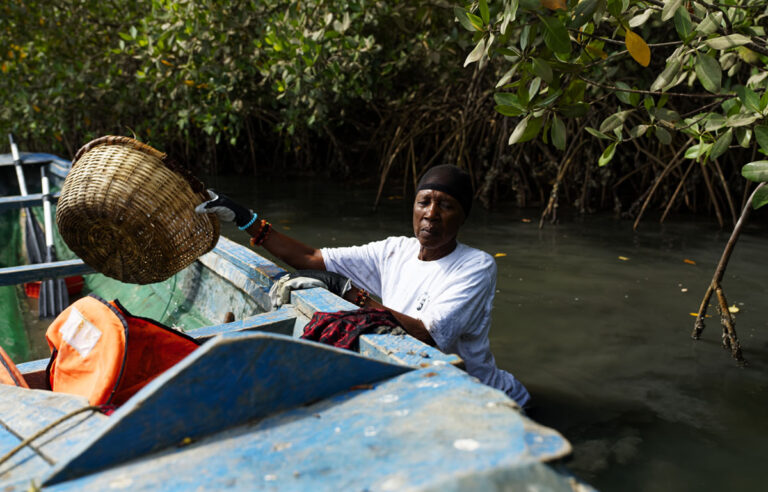
The Gambia’s coastline is only 80km long, but is home to a rich mangrove ecosystem that supports locally important fisheries. Sadly, much of the coastline has been devastated by sand and ilmenite mining, uncontrolled property development (including in protected areas), and a rapid ratcheting up of industrial fishing effort, largely to feed the country’s three fishmeal and fish oil factories.
Our approach in The Gambia is to empower local actors including CETAG and Gambian Environmental Alliance to raise their voices against these drivers of environmental destruction, and find community-led solutions. BV is also working with the well-respected youth and women groups SANYEPD and Hallahin Women Oyster Farmers to help communities secure preferential access to fish and shellfish.
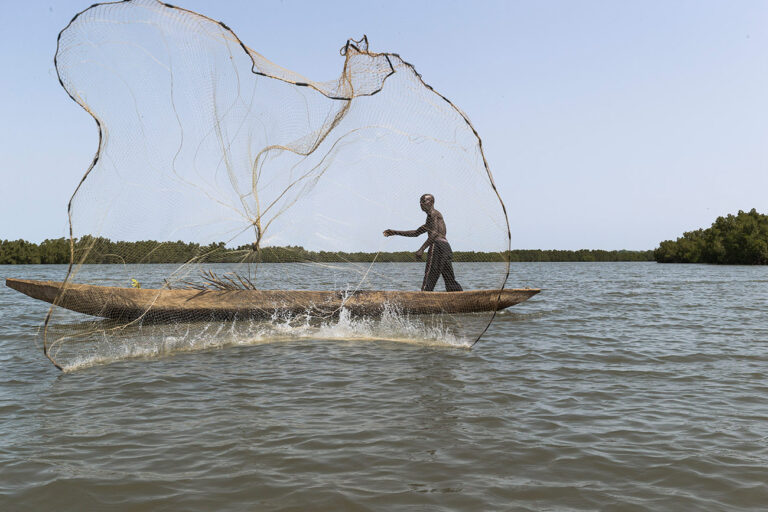
Fishing and the collection of shellfish is central to the lives of most coastal dwellers in Senegal, and seafood is part of almost every meal in the country.
But massive overfishing by both industrial and artisanal fleets, as well as increasing exports of fishmeal for aquaculture, is threatening the way of life and food security in the country. As fish stocks dwindle, the staple National dish of Senegal “Thiebou Djeun” – “Fish and Rice” – is becoming a luxury for many.
Blue Ventures’ work in Senegal is focused mainly in the Sine-Saloum and Casamance deltas of the country, home to hundreds of thousands of hectares of fish-rich mangroves. We have teamed up with Kawawana, Senegal’s oldest LMMA (known locally as APAC), to support the protection of 18,000 hectares of mangroves, and to help monitor and manage the rich fisheries they contain. Through our partners Nebeday and EcoRurale, we are also working with other communities, and especially women groups, to put in place community-based fisheries management systems, focusing particularly on the oyster and shellfish collection that are major sources of income in estuaries and deltas.
We’re new to Senegal but working to scale our communities-first approach to more partners and communities. We’re also aiming to build alliances with grassroots, national, regional and other like-minded organisations to advocate for better marine protection and to strengthen national inshore exclusion zones for small-scale fishers in which industrial fishing is restricted.
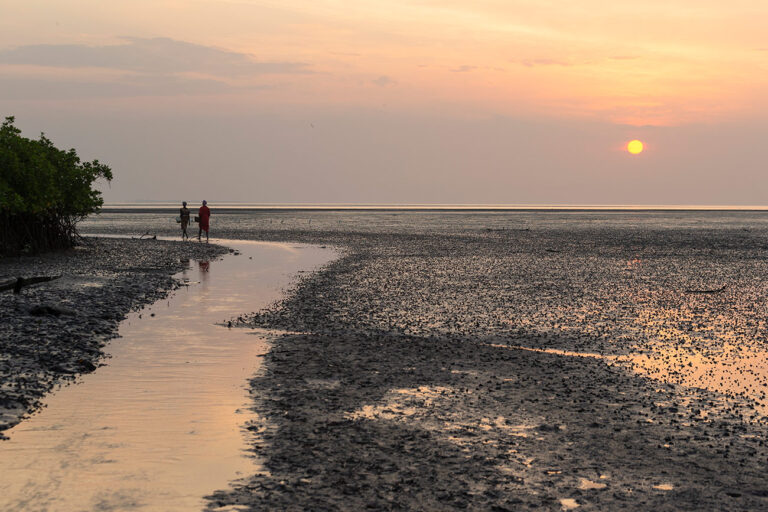
The West African country of Guinea-Bissau is home to the unique Bijagos archipelago, a network of some ninety mangrove-fringed offshore islands and extensive mudflats supporting large amounts of migratory bird species, as well as megafauna such as manatees, dolphins, and sea turtles. The Bijagos people continue to live a very traditional lifestyle, where the collection of marine invertebrates plays an important role in food security and cultural traditions. The country is also home to extensive mangrove-fringed river systems that support rich fisheries.
Blue Ventures has been working with Tiniguena, one of the oldest conservation groups in Guinea-Bissau, to support the establishment of the country’s first community-led MPA, in the Bijagos islands. Guinea-Bissau is a new venture for us, and we envision scaling to new partners and communities in the coming years. Our focus is on data-driven community-led management of fisheries, which are of enormous importance to coastal communities, in particular women.
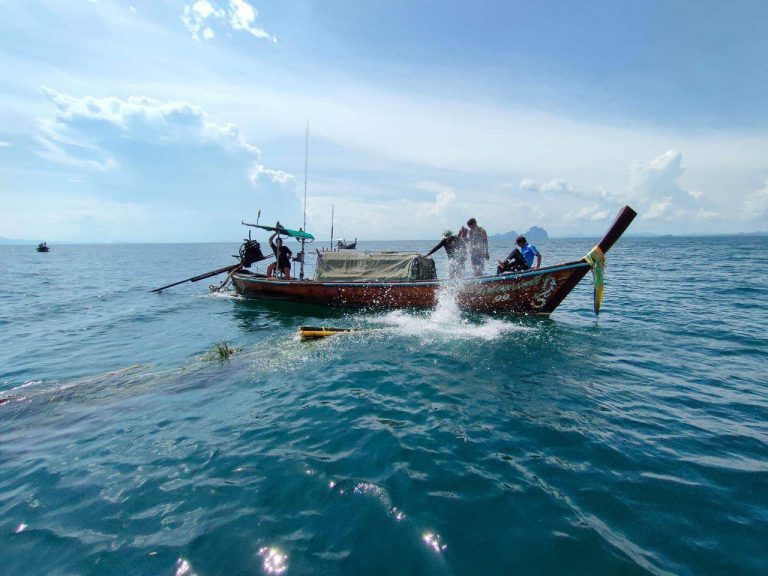
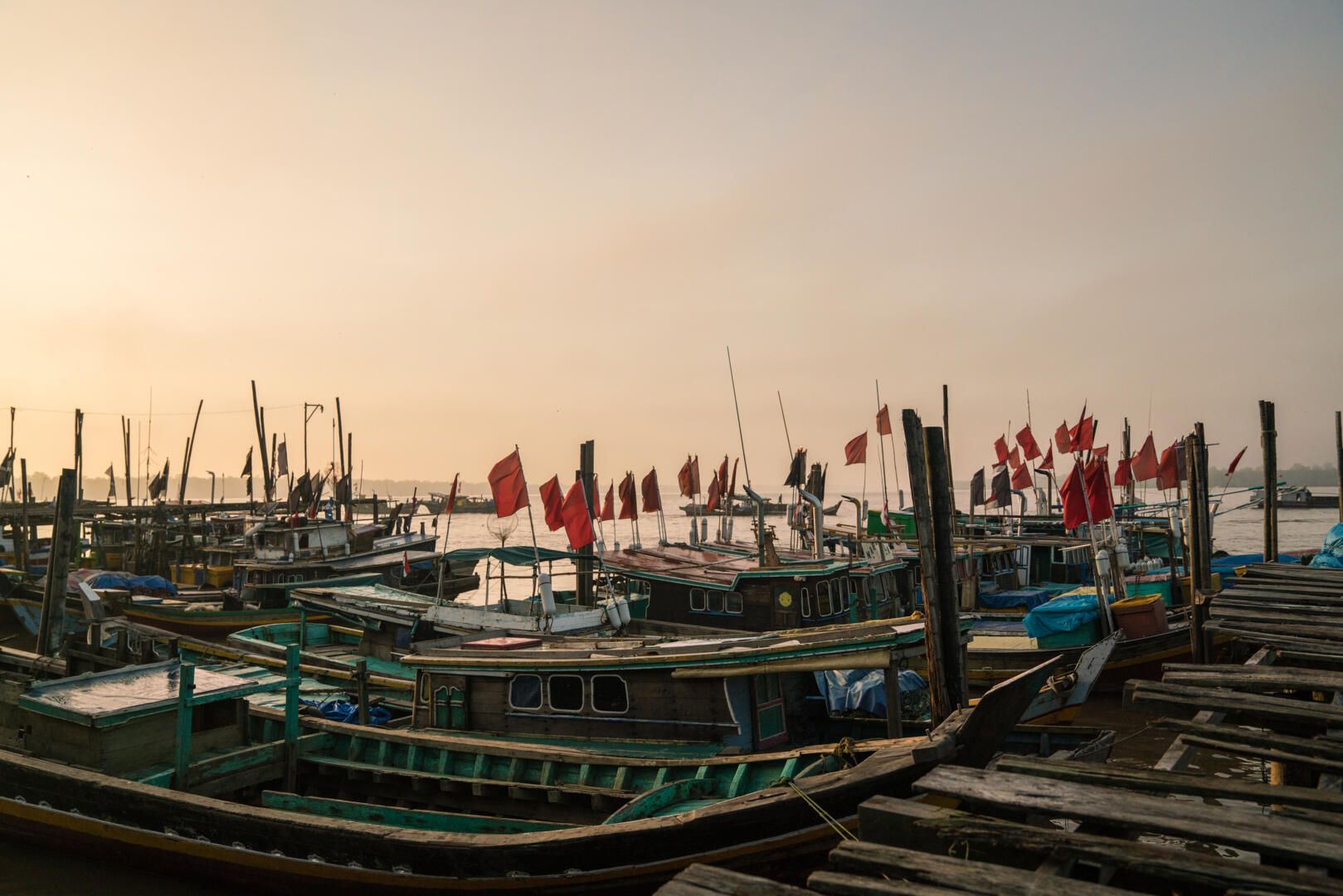
Thailand’s small-scale fisheries are the cornerstone of social, economic and nutritional health for the communities living along the majority of the country’s nearly 3,000 kilometre coastline.
In the southernmost Trang province we are supporting communities reliant on nearshore fisheries − in particular for crab, shrimp and squid − in partnership with the Save Andaman Network (SAN). The region is renowned for its vibrant seagrass meadows and vast mangrove forests, which provide essential ecosystem services to coastal communities. We’re providing training and tools to aid community- led fisheries monitoring and ecosystem management, and building community-owned social enterprises that fund and sustain local conservation efforts.
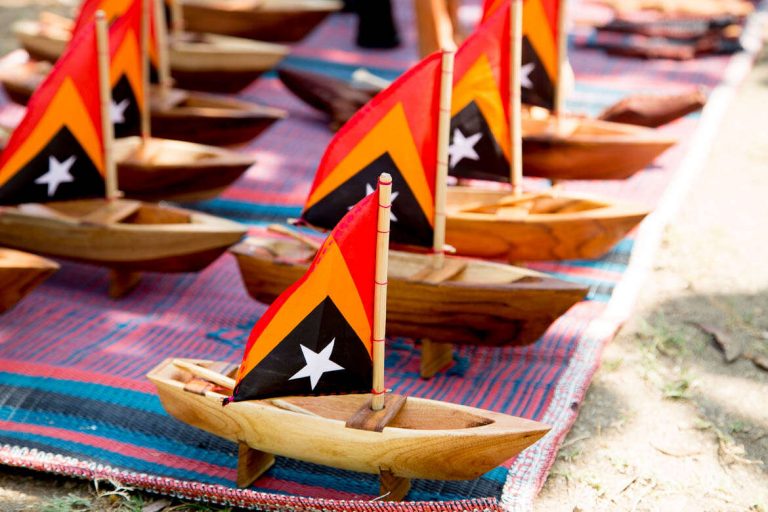
Since 2016, our work in Timor-Leste has evolved into a dynamic movement supporting community-led marine management and coastal livelihood diversification in Asia’s newest country. From our origins on Atauro Island, considered to harbour the most diverse coral reefs on earth, we’re now working with numerous communities on the island and the mainland to help improve management of critical coral reefs and seagrass ecosystems.
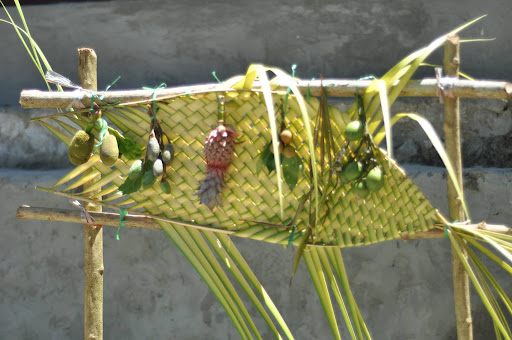
We’re helping communities reinvigorate traditional community governance practices − known as Tara Bandu − to support marine conservation, in particular through the use of temporary and permanent fishing closures, and community-led monitoring of marine ecosystems and fisheries.
We’re helping communities come together to exchange their experiences of conservation across their shared coastline, building a new movement of local support for systems change in the management and conservation of Timor-Leste’s coastal waters.
Alongside our community conservation efforts, we have also pioneered Timor-Leste’s first homestay association, which has provided income from visiting ecotourists on Atauro Island.
Our team in Timor-Leste’s capital Dili works closely with government, civil society organisations and NGO partners.
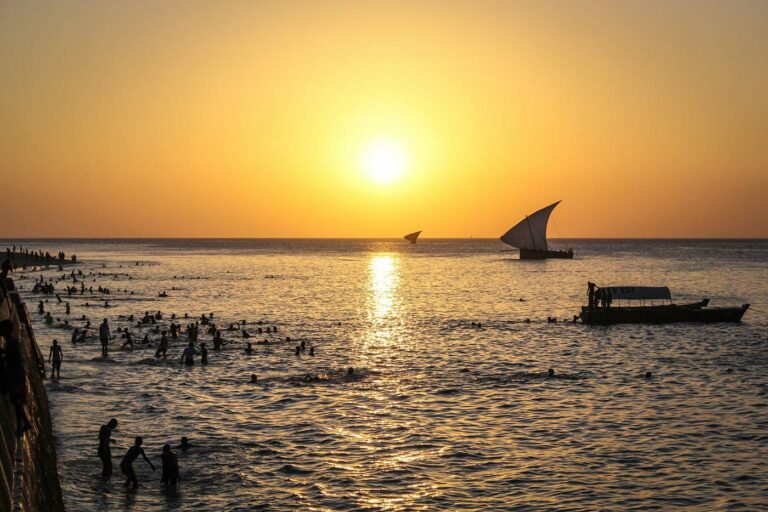
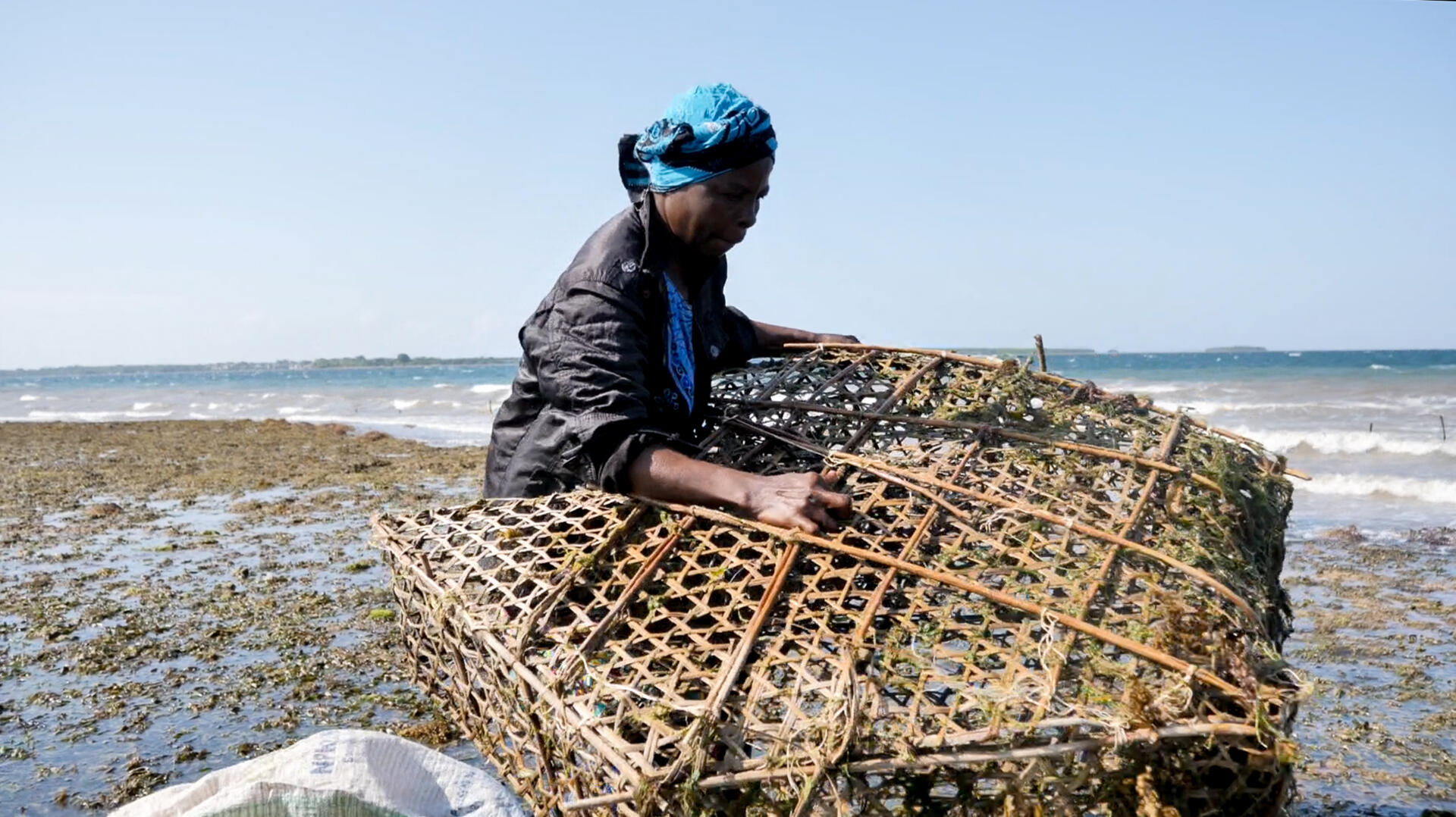
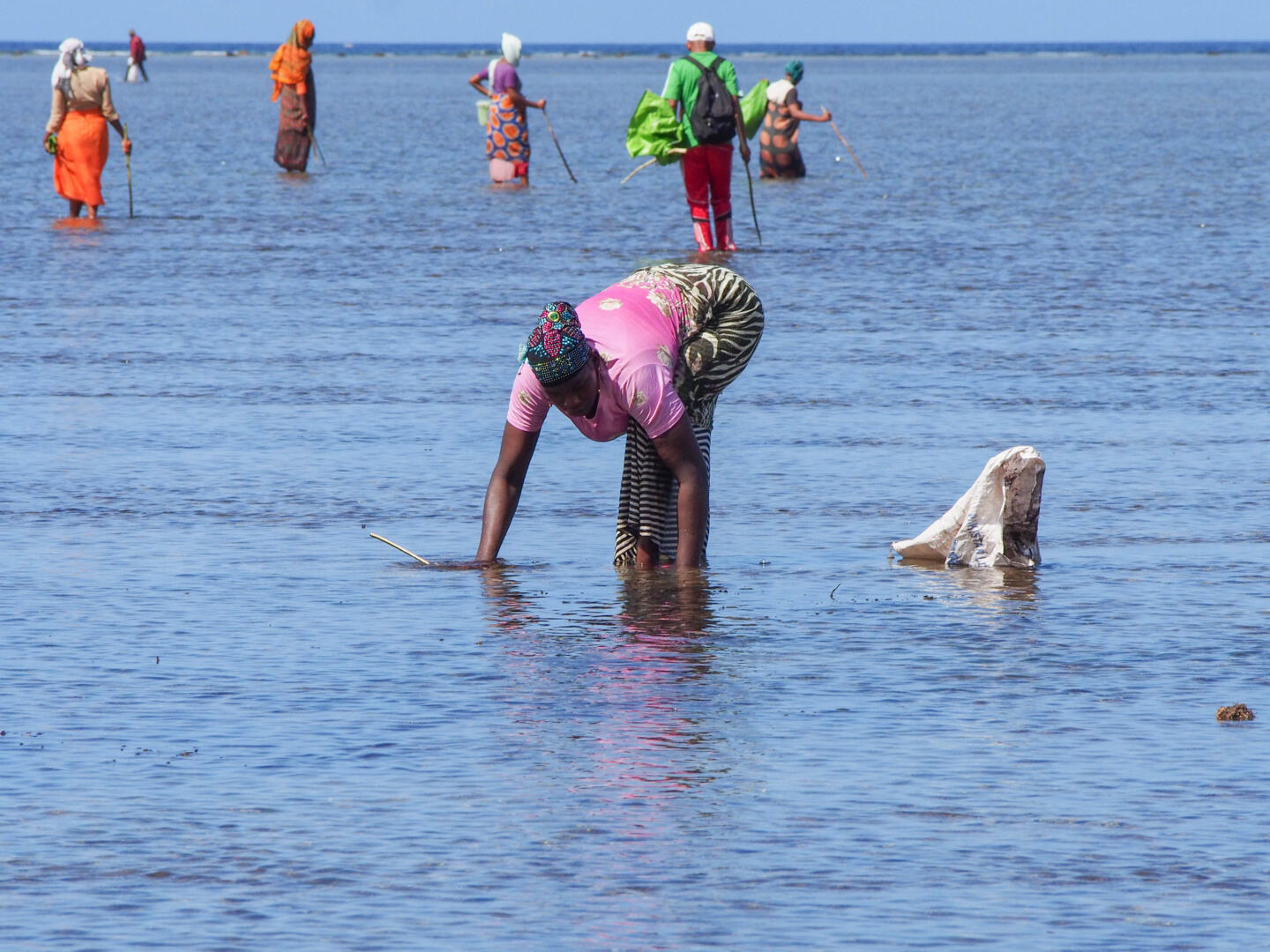
Like its neighbours within the Northern Mozambique Channel marine biodiversity hotspot, Tanzania harbours some of the most diverse marine ecosystems in the Indian Ocean. These habitats are facing unprecedented challenges from overfishing and climate change.
The Government supports the use of co-management to improve the management of marine resources, but a community’s ability to be meaningfully involved in this partnership approach is all too often hampered by the capacity of its institutions, to organise and to acquire the skills and resources they need.
Our Tanzanian team has worked with communities and local organisations to support locally led marine conservation since 2016. Our work has expanded from Zanzibar to the mainland regions of Tanga, Lindi and Kilwa. Our technicians work with local partners to help communities strengthen co-management systems, through Beach Management Units (BMUs), Shehia Fishing Committees (SFCs), and Village Liaison Committees.
We have three types of partners in Tanzania: NGOs, CSOs and government. Our NGO implementing partners Mwambao Coastal Community Network, Sea Sense, and Jongowe Development Fund have spearheaded a remarkable acceleration in the uptake of community-based fisheries management and conservation in recent years, notably through the use of short-term fisheries closures to catalyse broader community conservation.
Our CSO partners include Kilwa BMU Network, NYAMANJISOPOJA CFMA and Songosongo BMU, while our government partners comprise the Ministry of Fisheries in Mainland Tanzania, and the Ministry of Fisheries in Zanzibar, as well as local government authorities in Pangani and Kilwa.
Following the conclusion of the SWIOFish project in 2021, we are also working with partners on an initiative to support the establishment and functioning of a fisheries co-management forum. The forum will facilitate engagement between national and local government authorities and NGOs involved in fisheries co-management initiatives along the Tanzania mainland coast, with the aim of enhancing networking and strengthening management and governance.
With one of Africa’s longest coastlines, Somalia’s diverse marine environment supports enormously productive coastal and offshore fisheries. Decades of conflict have undermined the country’s capacity for fisheries management, with many foreign industrial vessels fishing with impunity, and little regard for the critical importance of Somalia’s coastal fisheries for local livelihoods and food security.
A period of relative political and social stability unprecedented in recent decades is now presenting new opportunities to address past challenges, and to realise the considerable opportunities that well-managed coastal fisheries and conservation can offer Somalia. We are forging partnerships with community organisations in Somalia to build their capacity and skills to help coastal communities manage their fisheries for food security, livelihoods and conservation.
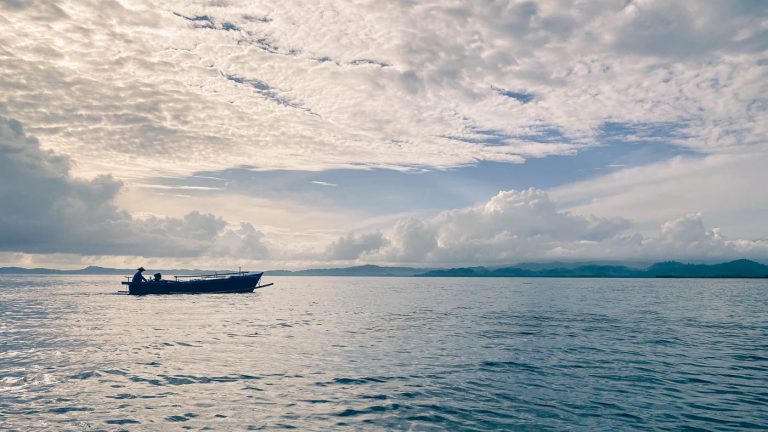
The Philippines forms part of the ‘coral triangle’ epicentre of global marine biodiversity, with unparalleled diversity of marine species. Over half of the country’s 107 million people live in rural areas, and approximately three quarters depend on agriculture or fisheries as their primary source of livelihoods.
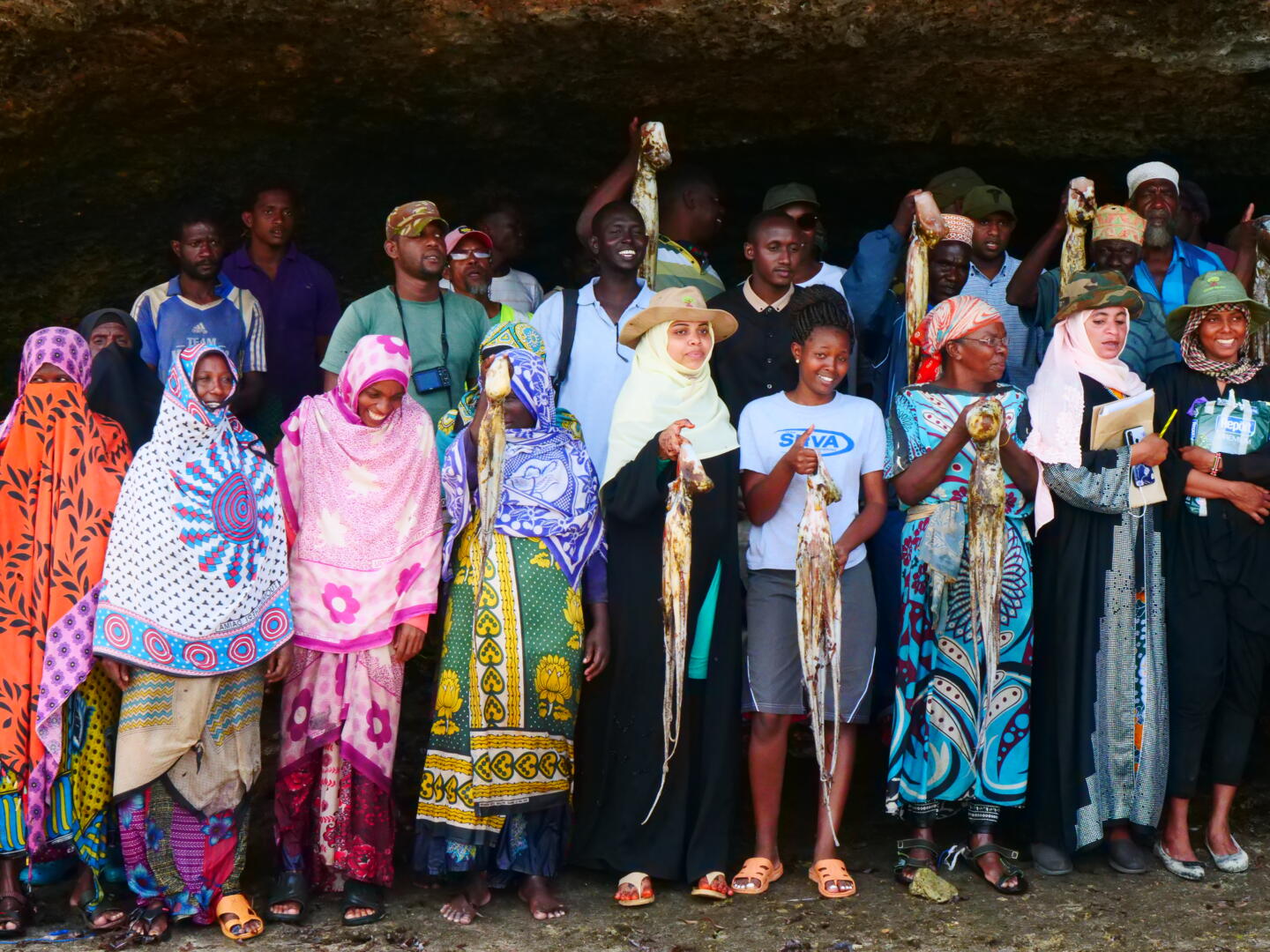
Through our partnership with People and the Sea, we are supporting communities in the eastern Visayas to set up and utilise participatory data systems to monitor and understand the status of their fisheries, in a way that is meaningful for them. Through provision of access to strong data systems and training in data collection this year, these communities will soon have access to real time fisheries data and visualisations that will enable them to make informed decisions around the management of their fisheries.
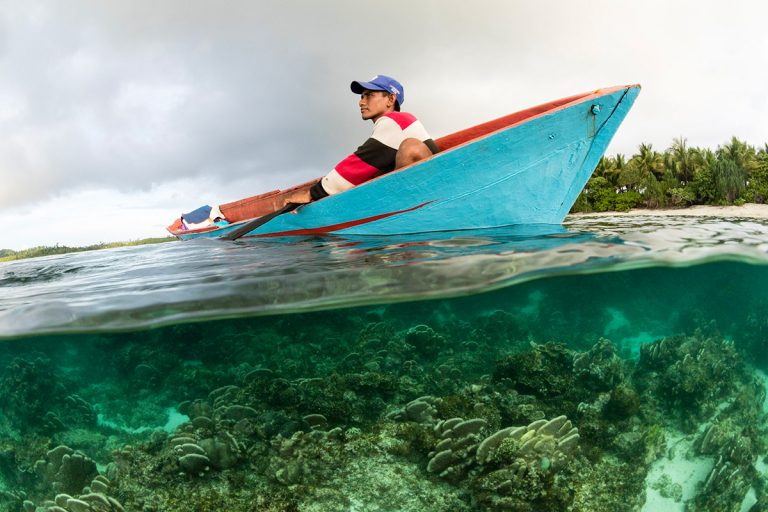
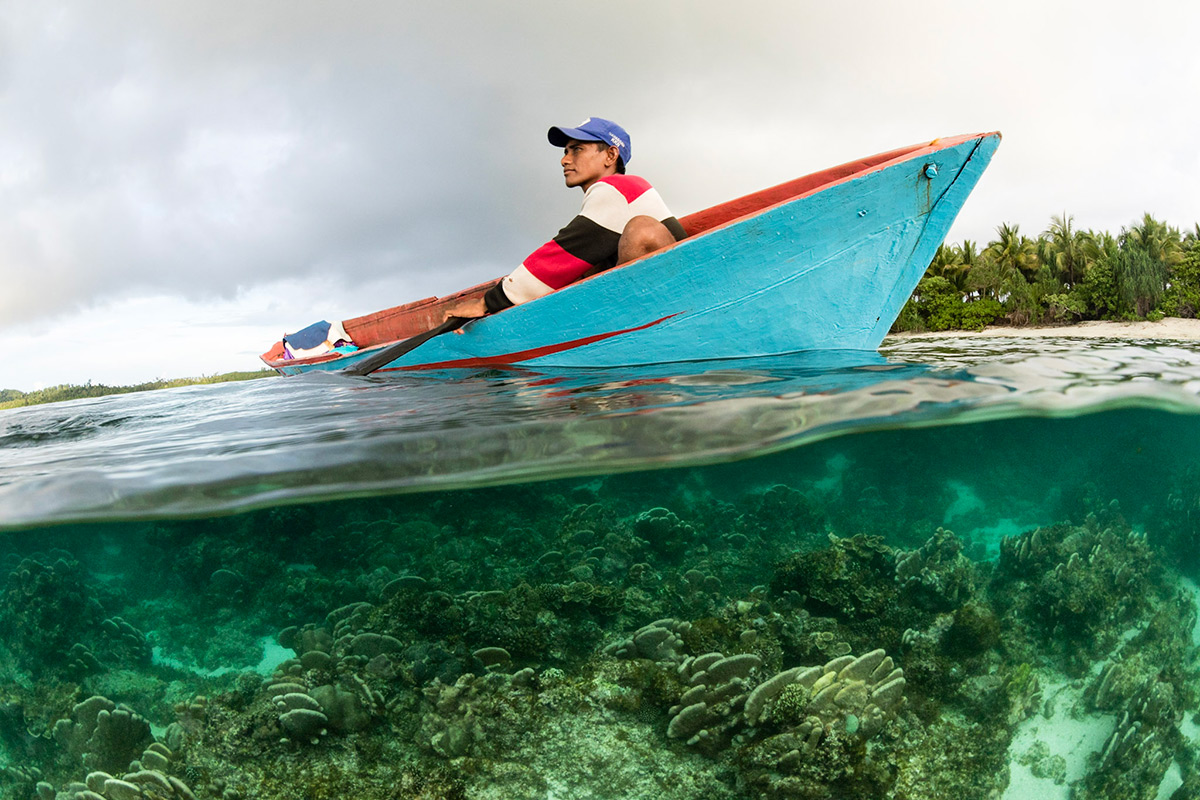
Indonesia comprises almost 17,500 islands stretching across three time zones. This archipelagic nation has the 2nd longest coastline in the world − and the largest coastal fisheries resource − of any country on Earth. More than ninety per cent of Indonesia’s seafood production comes from small-scale fisheries, which are underpinned by the planet’s most biodiverse marine ecosystem, known as the Coral Triangle.
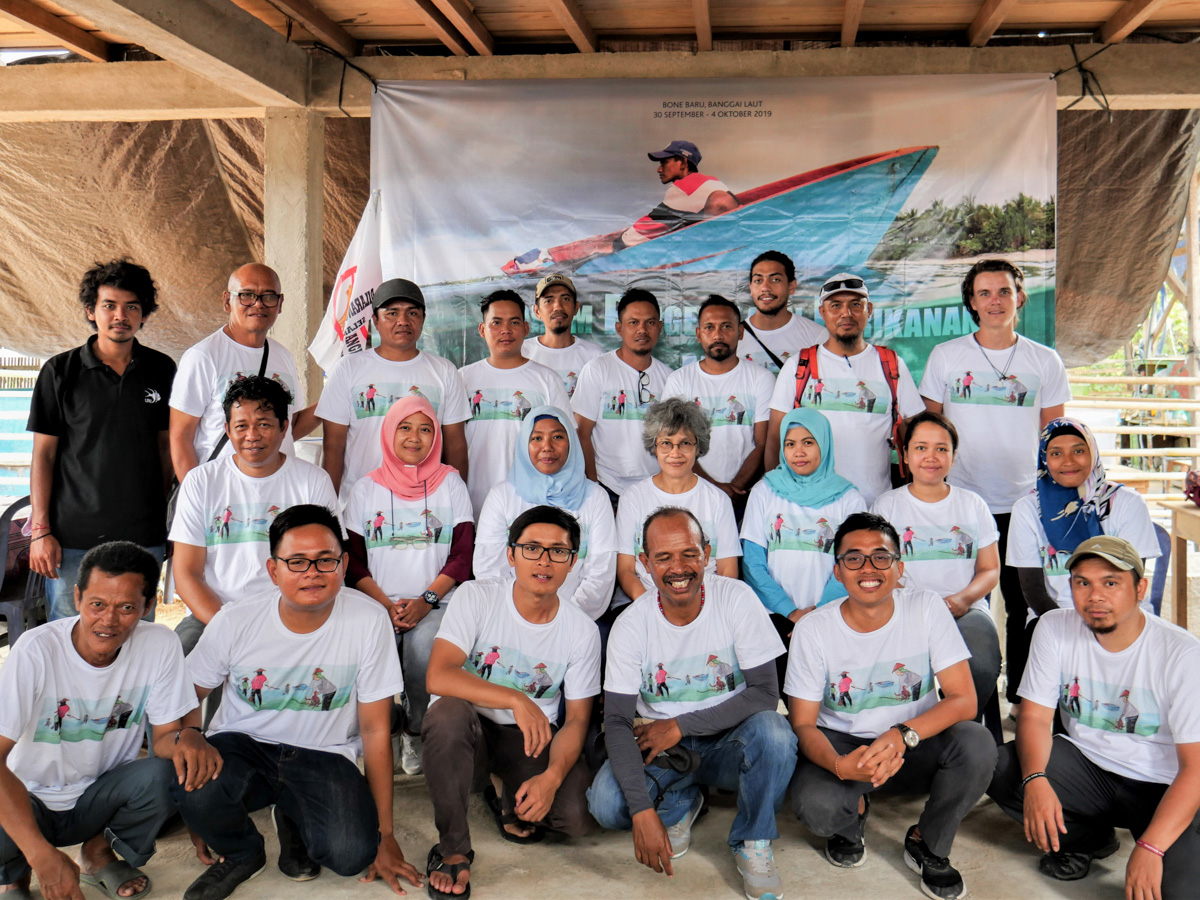
We have supported community-led marine conservation in Indonesia since 2016. Our team works in close partnership with 17 Indonesian organisations supporting community-based approaches to coral reef and mangrove conservation across 81 communities in fourteen provinces, collectively reaching over 80,000 people.
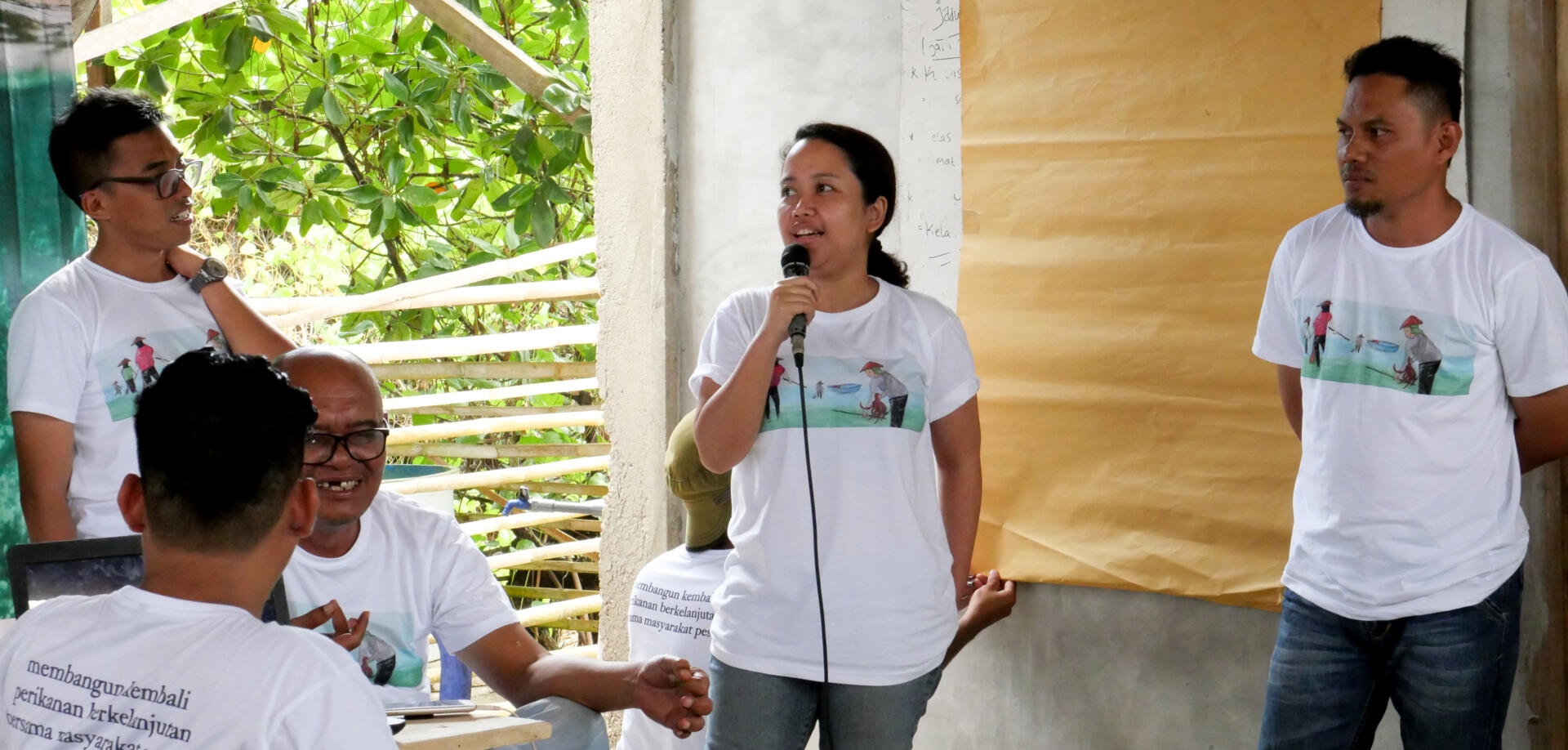
Since 2019 we have brought these partners together within a peer learning network of Indonesian organisations specialised in supporting community-based marine conservation. The network is based on the shared values of the organisations, including a commitment to promote the rights of traditional fishing communities in conservation. Our support across these communities is customised to each context − the local fisheries, community stakeholders, seafood supply chains, legal frameworks and customary traditions governing fisheries management and conservation.
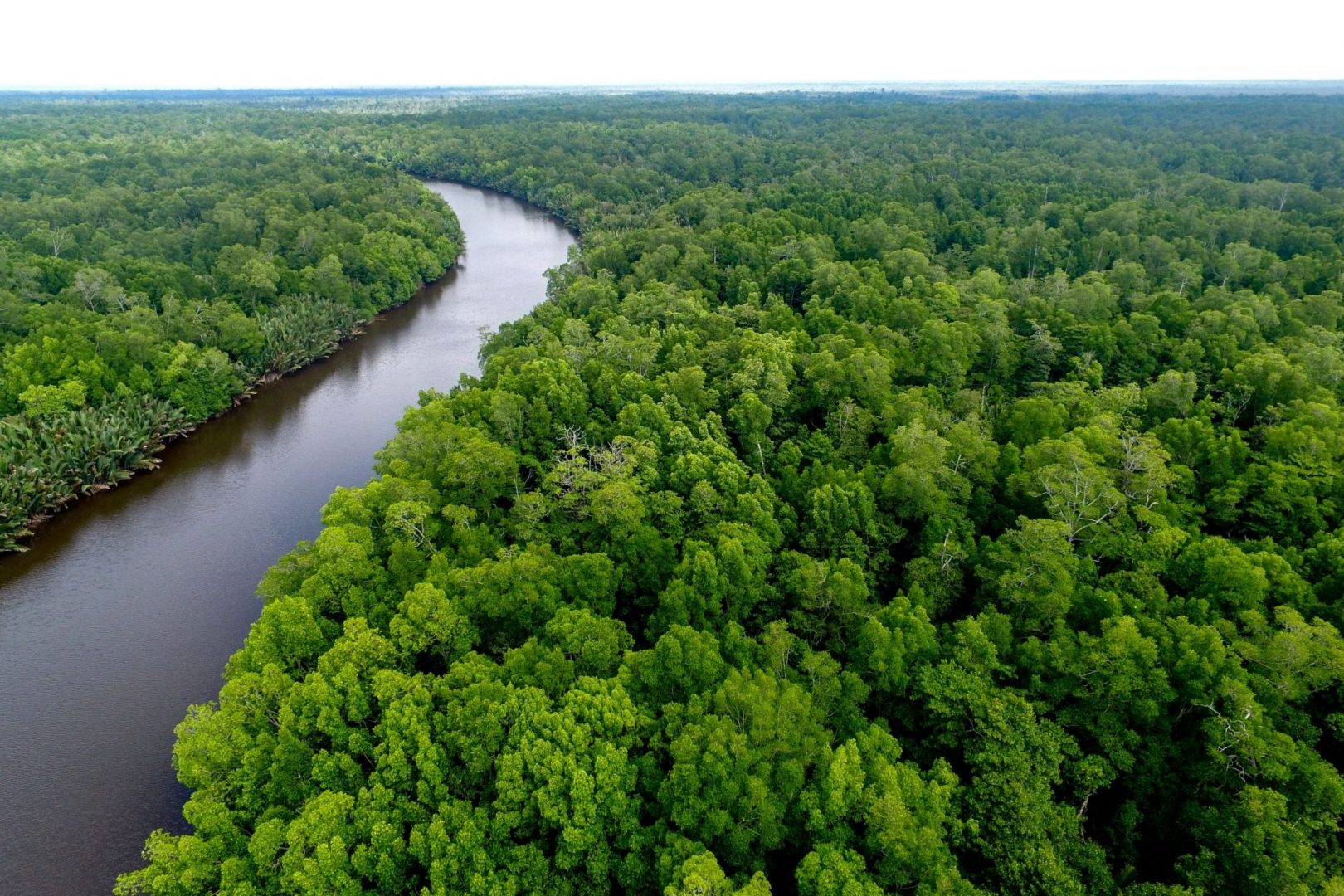
In Sumatra and Kalimantan we are strengthening our work in community conservation of globally important mangrove forests. We are supporting and strengthening community-forest management and supporting local partners who are adapting our catalytic model for temporary fishery closures to mangrove-dependent fisheries like mud crab.
We are working closely with our local partners Forkani, Yayasan LINI, Yapeka, Yayasan Planet Indonesia, Foneb, Komanangi, JARI, Ecosystem Impact, Yayasan Tananua Flores, Yayasan Baileo Maluku, AKAR, Japesda, Yayasan Citra Mandiri Mentawai, Yayasan Mitra Insani and Yayasan Hutan Biru, Yayasan Pesisir Lestari and Lembaga Partisipasi Pembangunan Masyarakat (LPPM) Ambon.
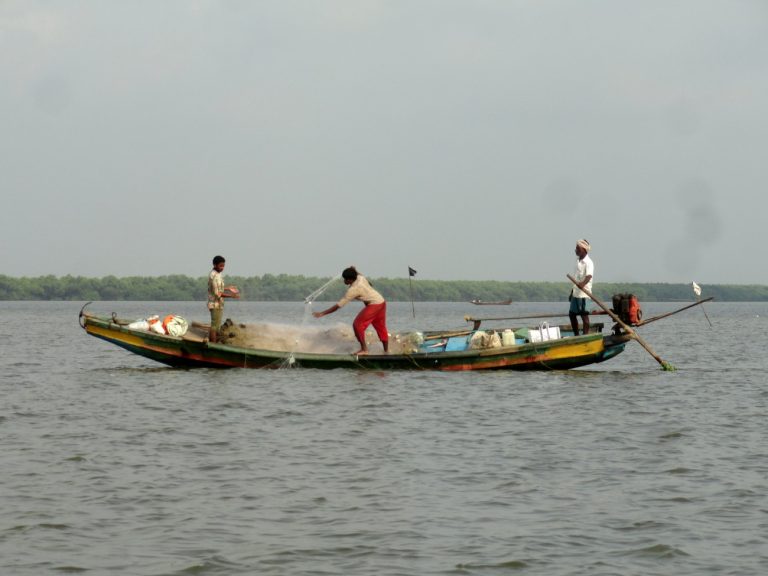
We continue to work in India with our long term partner the Dakshin Foundation. We are collaborating in three distinct locations; the archipelago of Lakshadweep, coastal regions of Odisha and the Andaman Islands.
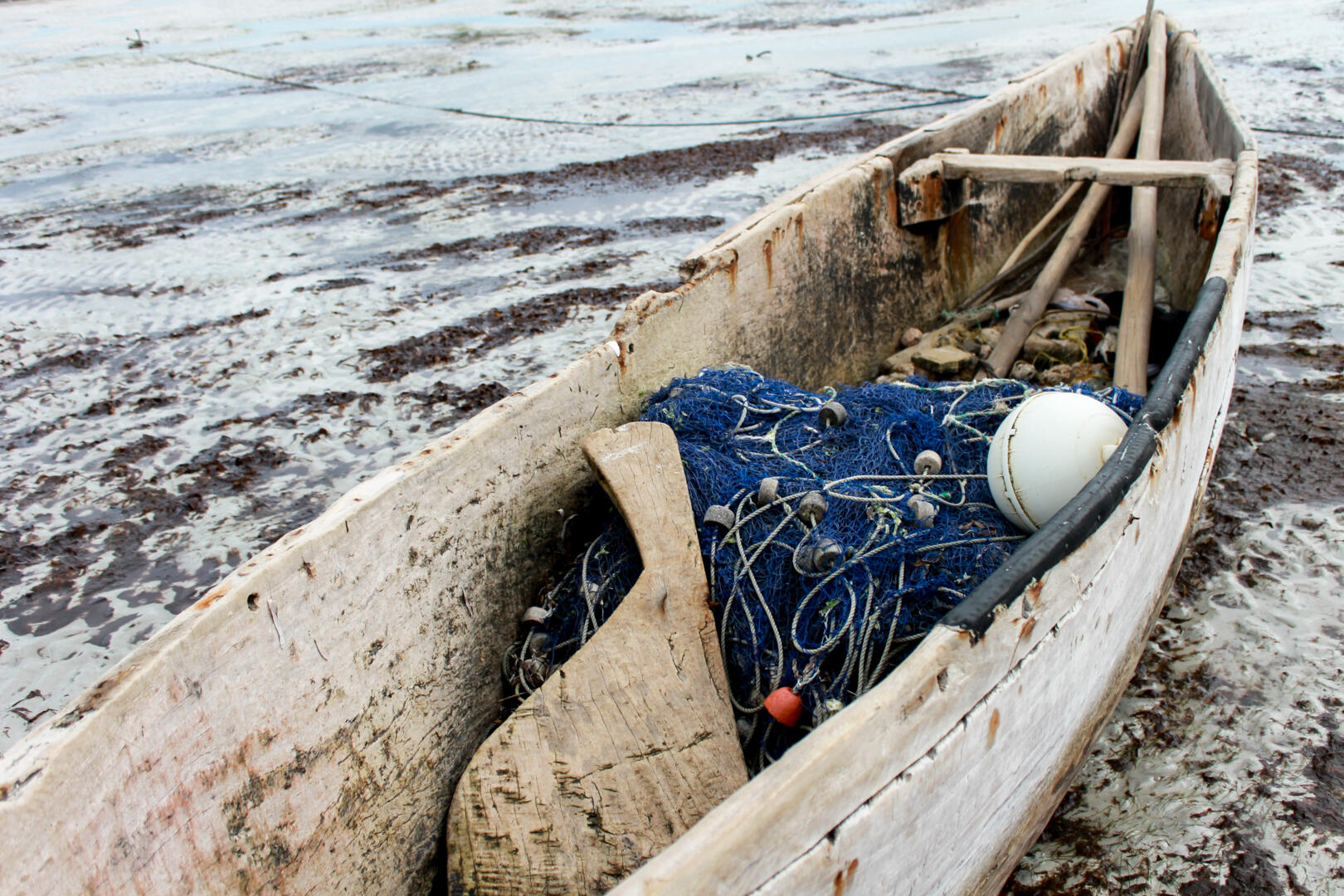
Overfishing has led to a reduction in fish catches, challenging the future of many traditional fishing communities.
Our partnership is working to build the capacity of communities to manage coastal fisheries, and improve the health of fishing communities, for the long-term wellbeing of both the communities and their fishing grounds.
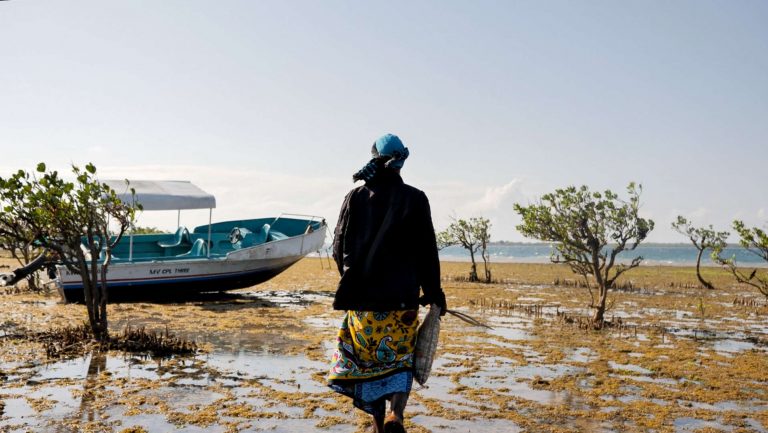
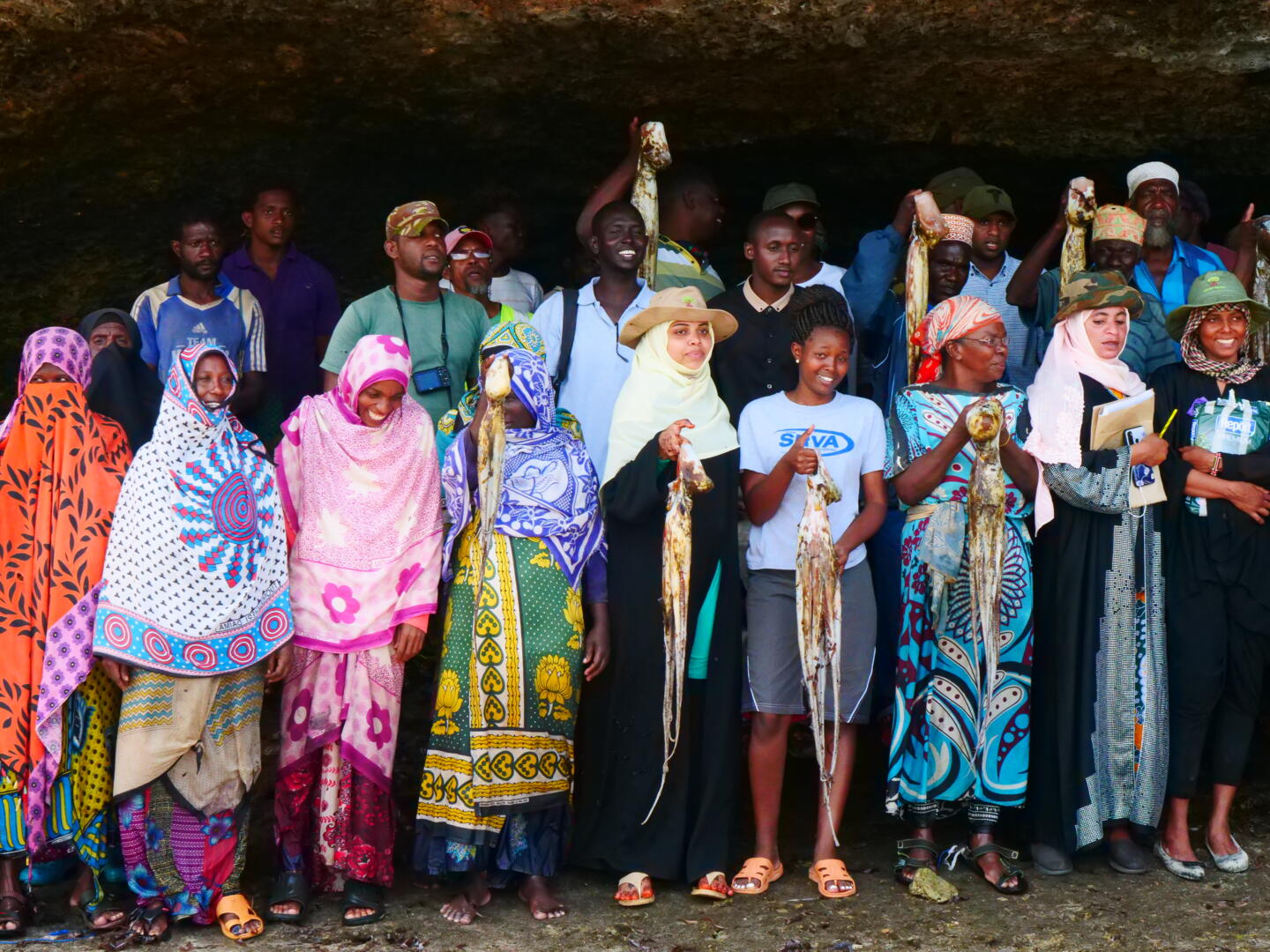
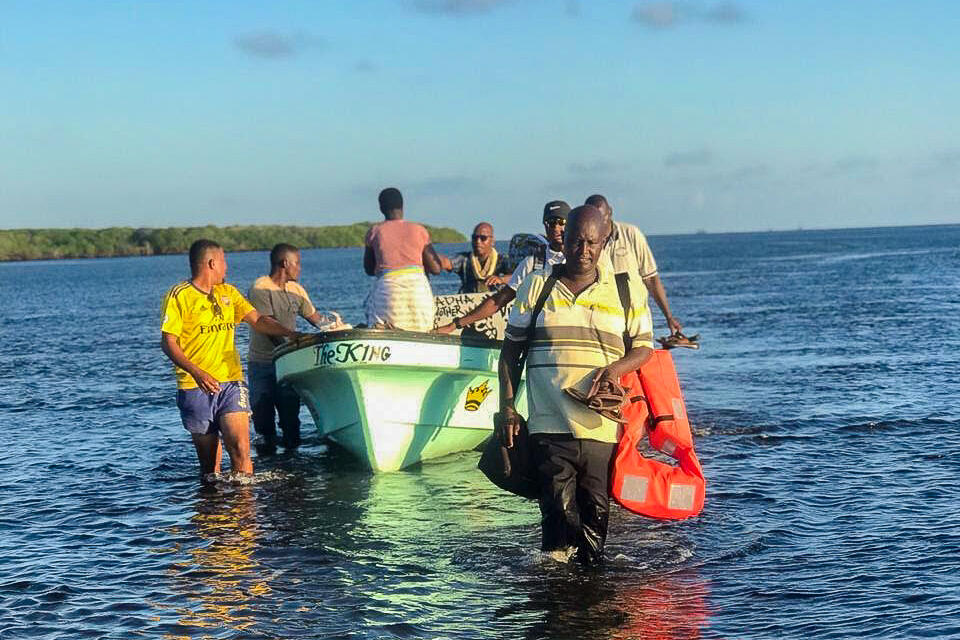
Kenya’s coast supports an extraordinary diversity of tropical marine and coastal habitats. These waters are threatened by a proliferation of destructive fishing practices and over-harvesting within the artisanal and commercial fishing sectors.
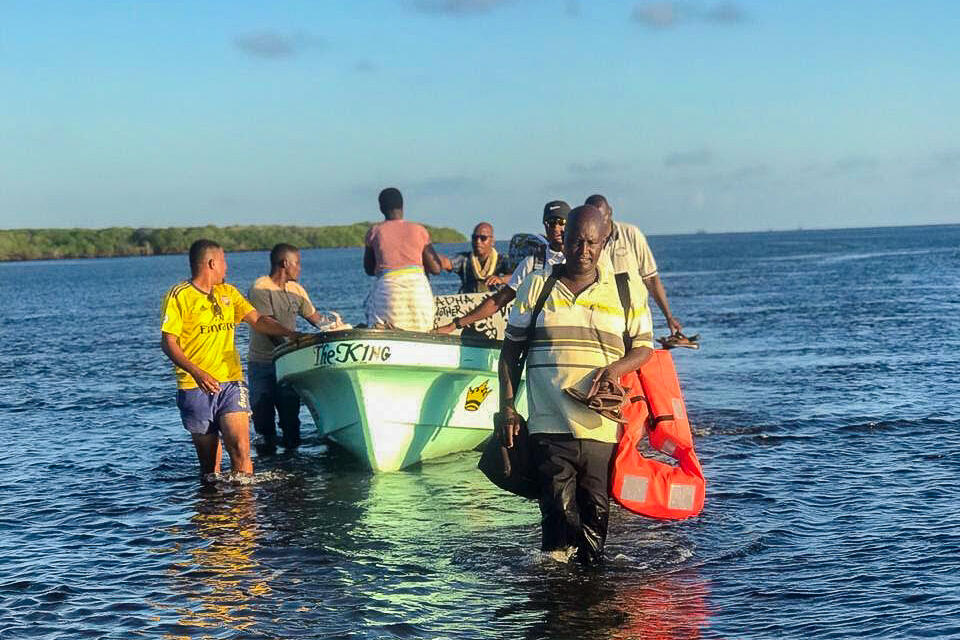
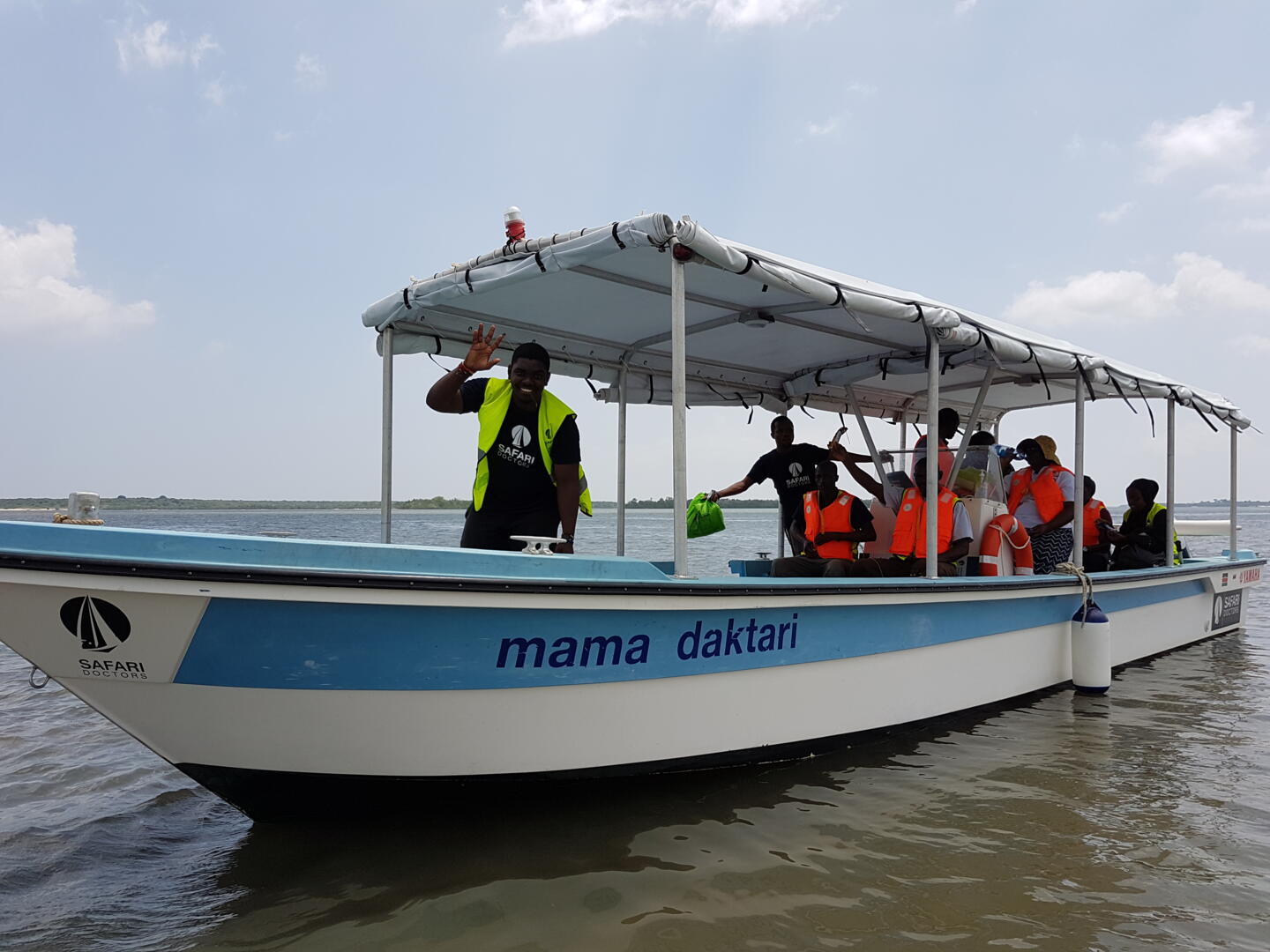
Our approach in Kenya focuses on strengthening Beach Management Units (BMUs) to improve fisheries management. Since 2016 our Mombasa-based technical team has provided support, mentoring and assistance to local partners including Coastal and Marine Resource Development (COMRED), the Lamu Marine Conservation Trust (LAMCOT), Bahari Hai, and Kwale Beach Management Unit Network (KCBN), a network of 23 BMUs in Kwale County
These partnerships have seen notable achievements in community-led fisheries management and conservation, including training and mentoring BMU leaders in eighteen communities in Kwale and Lamu Counties.
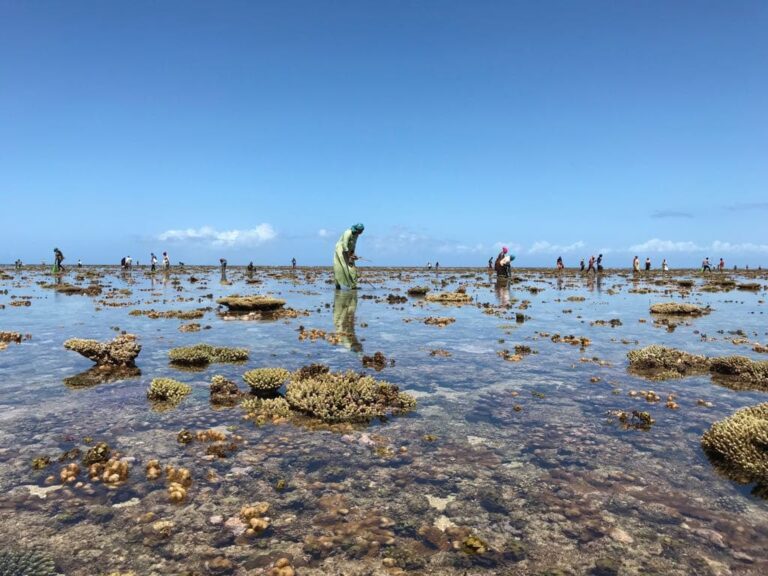
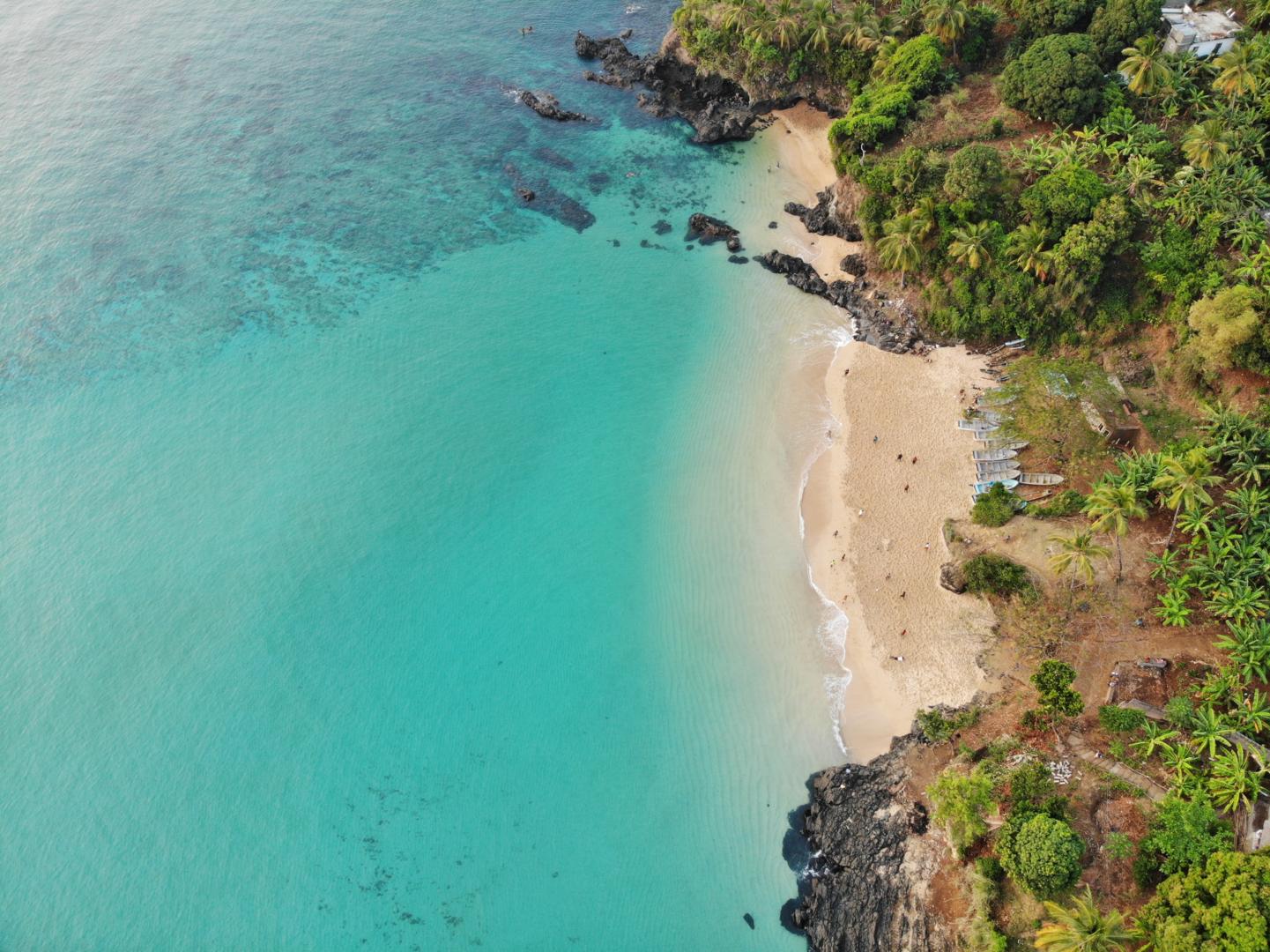
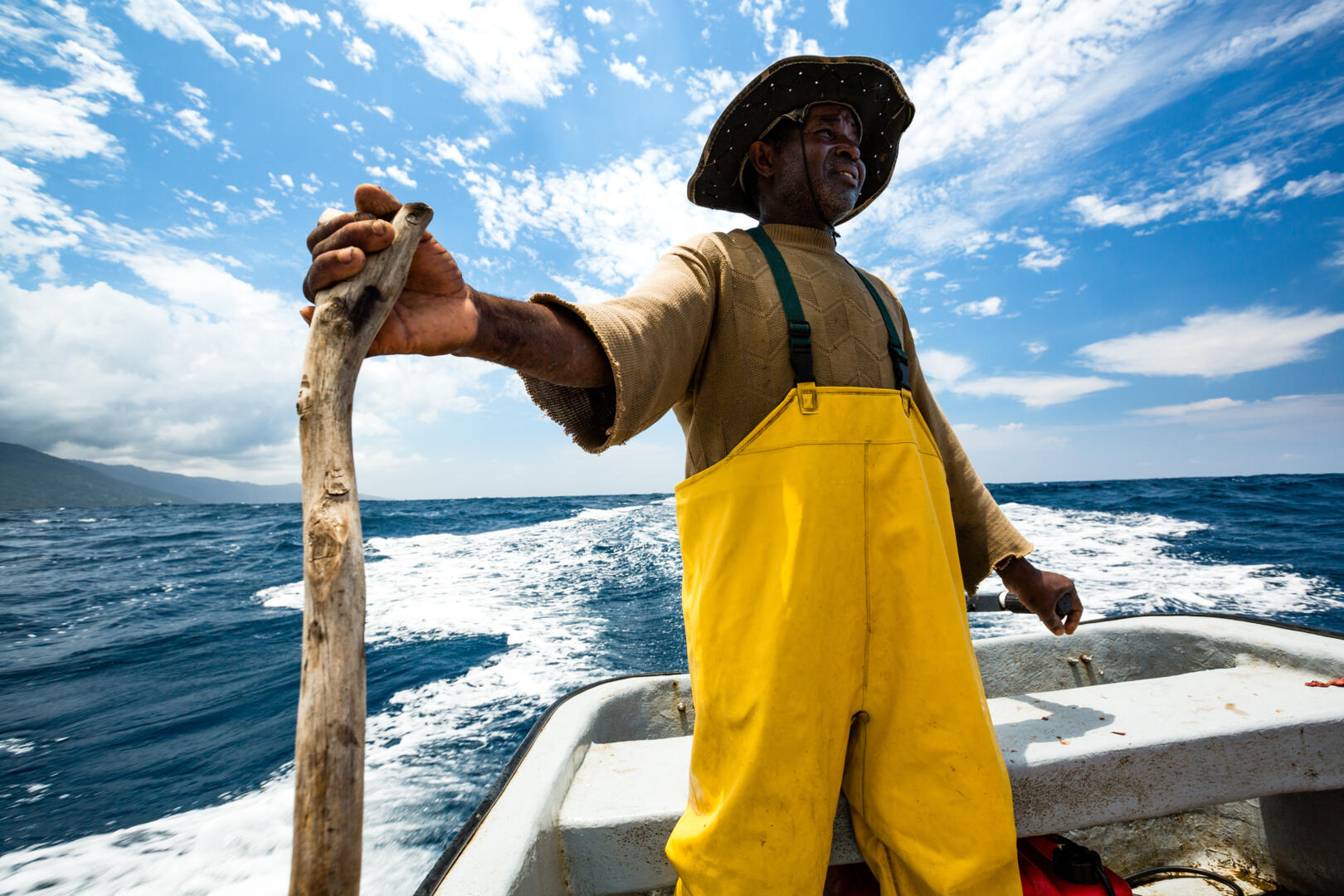
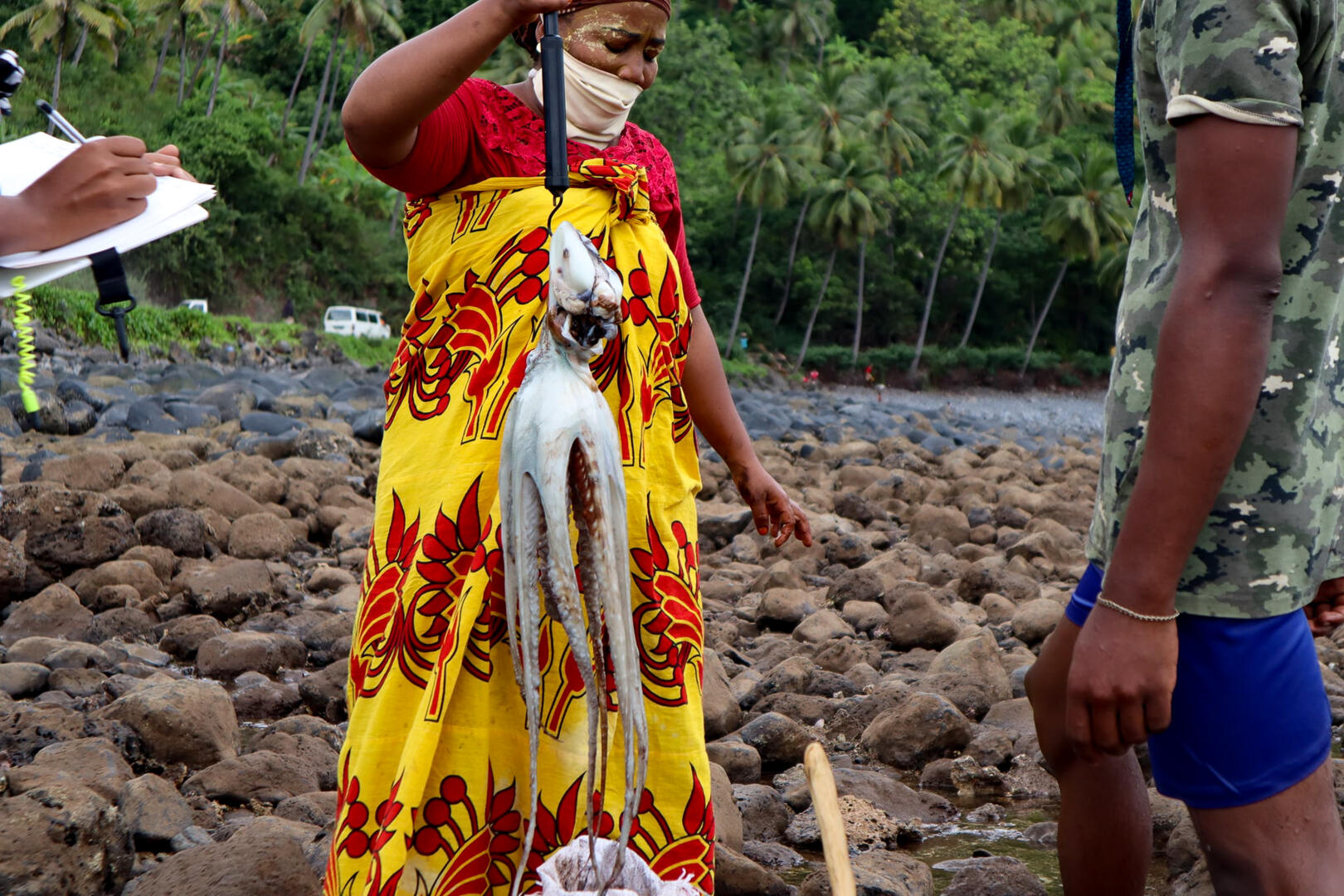
The Comoros islands are located in the northern Mozambique Channel, a region home to the world’s second highest marine biodiversity after the Coral Triangle. This globally important biodiversity underpins coastal livelihoods and food security, but is at risk from climate change and overexploitation of inshore fisheries.
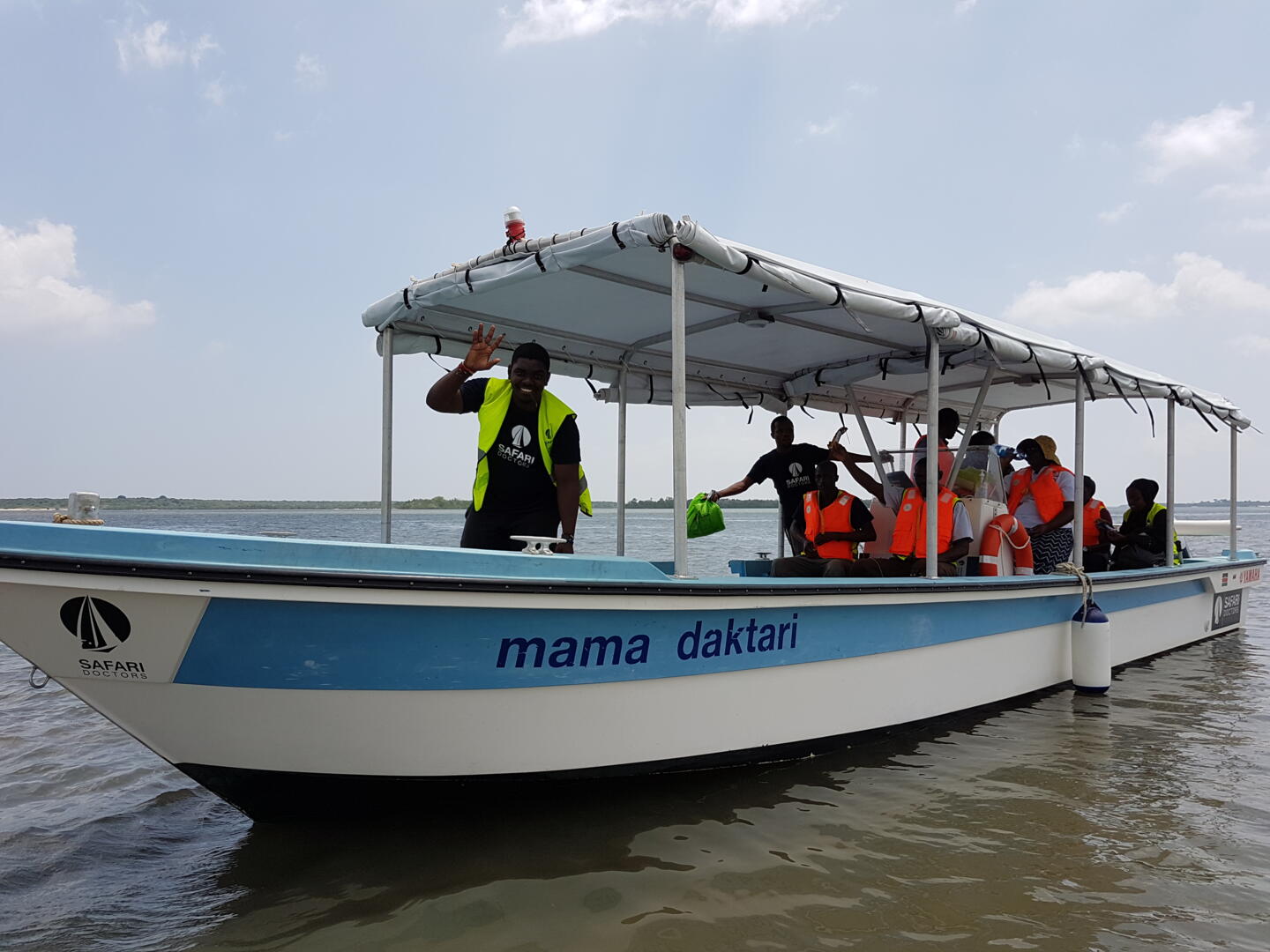
We have maintained a presence supporting locally led marine conservation and fisheries management in Comoros since 2015, providing support to local partners, governmental institutions and communities.
On Anjouan, the second largest and most densely populated island in the Comoros archipelago, we work closely with national NGO Dahari. Our partnership has developed a replicable blueprint for community-based marine management, which has included a number of temporary and permanent marine closures − designed to safeguard the coral reef ecosystems underpinning the archipelago’s coastal economy.
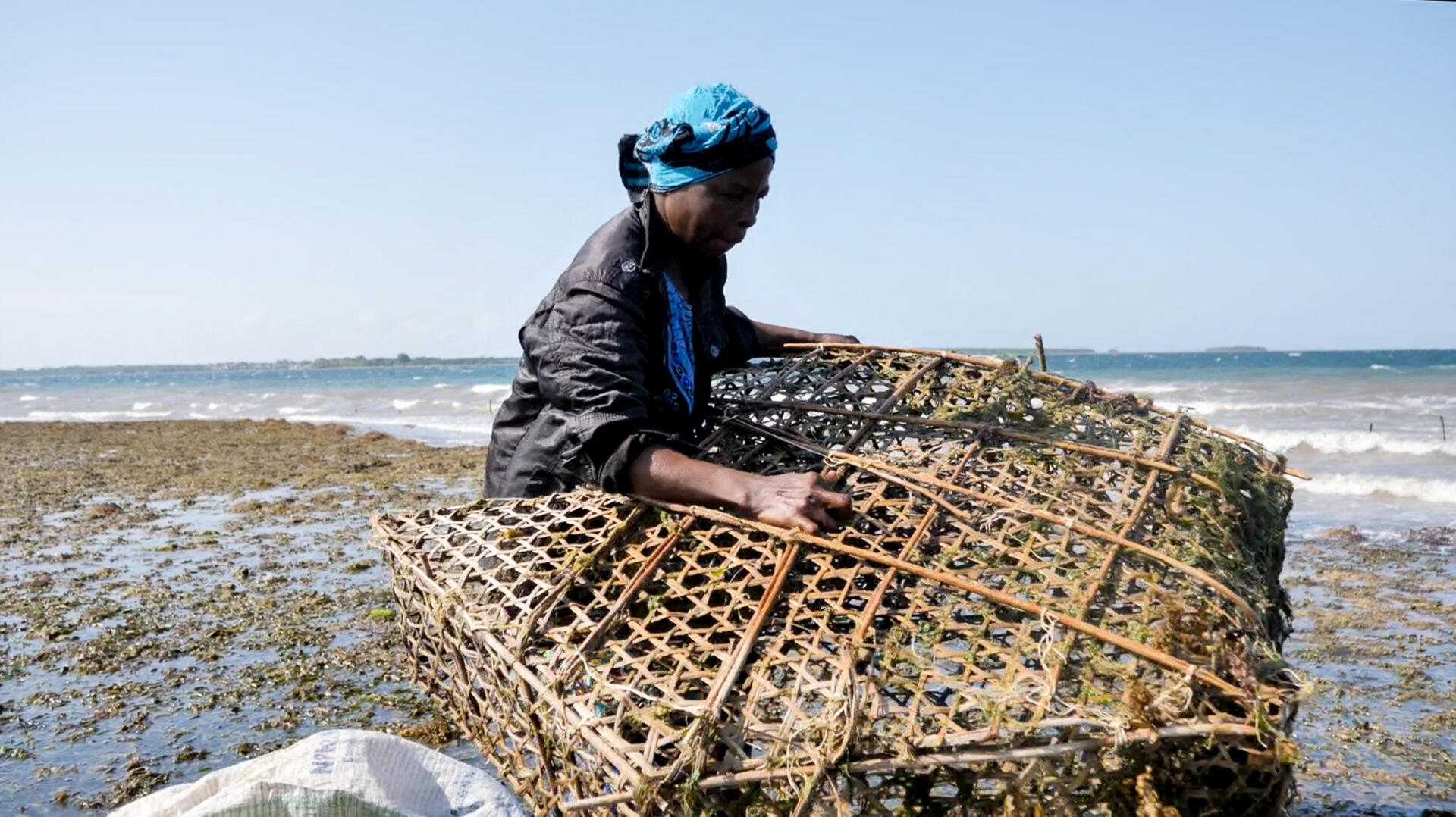
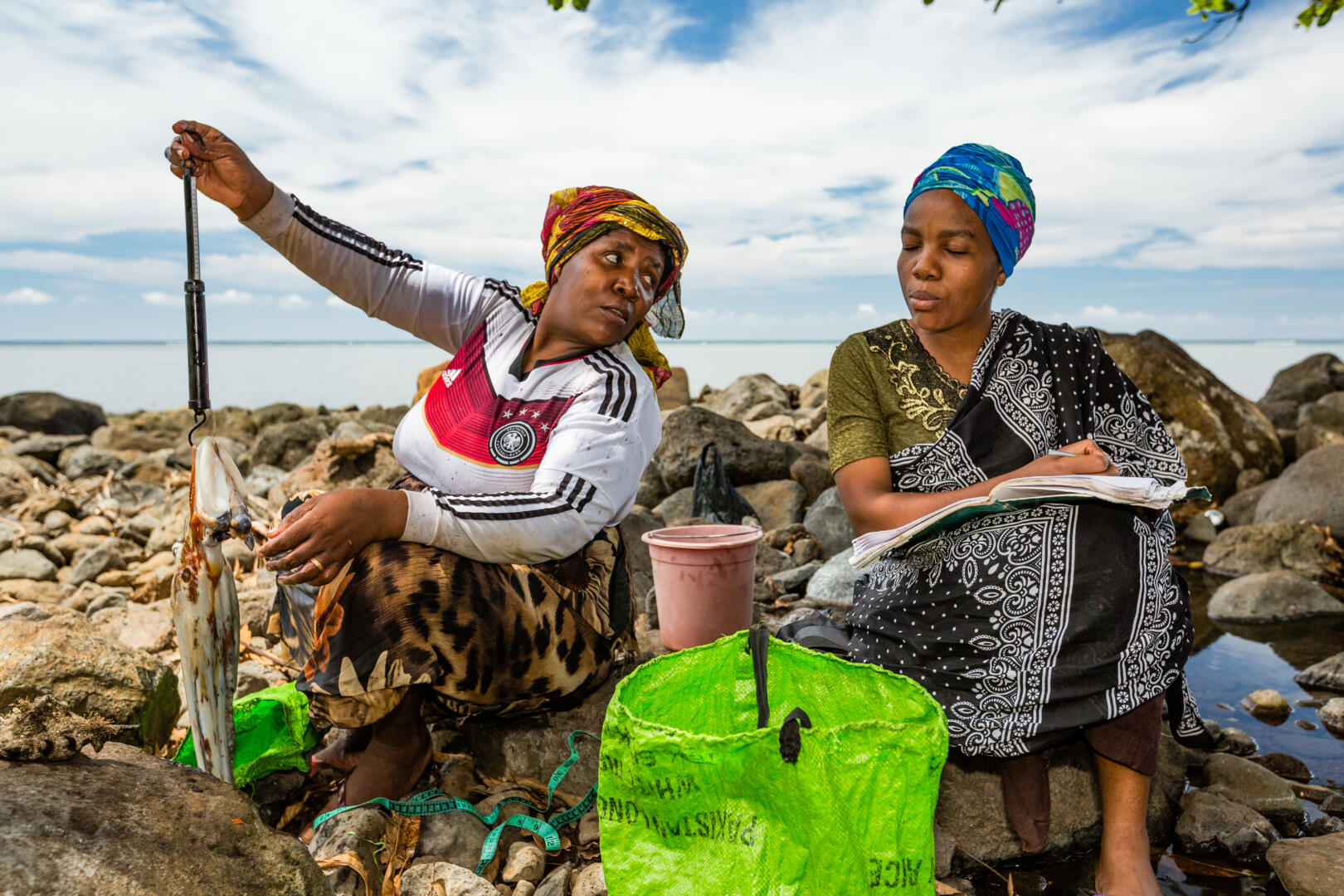
This approach, which is expanding rapidly across the Comoros, is also demonstrating the importance of inclusive conservation in empowering women − through local women’s fisheries associations − to play a leading role in fisheries monitoring and decision making.
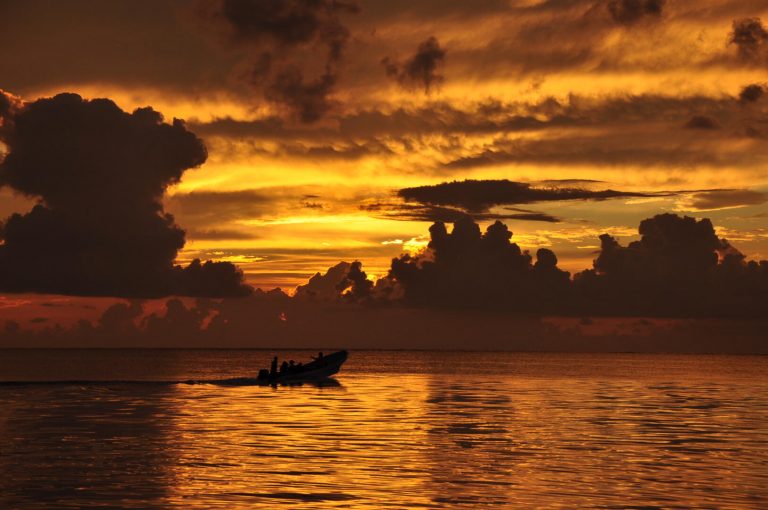
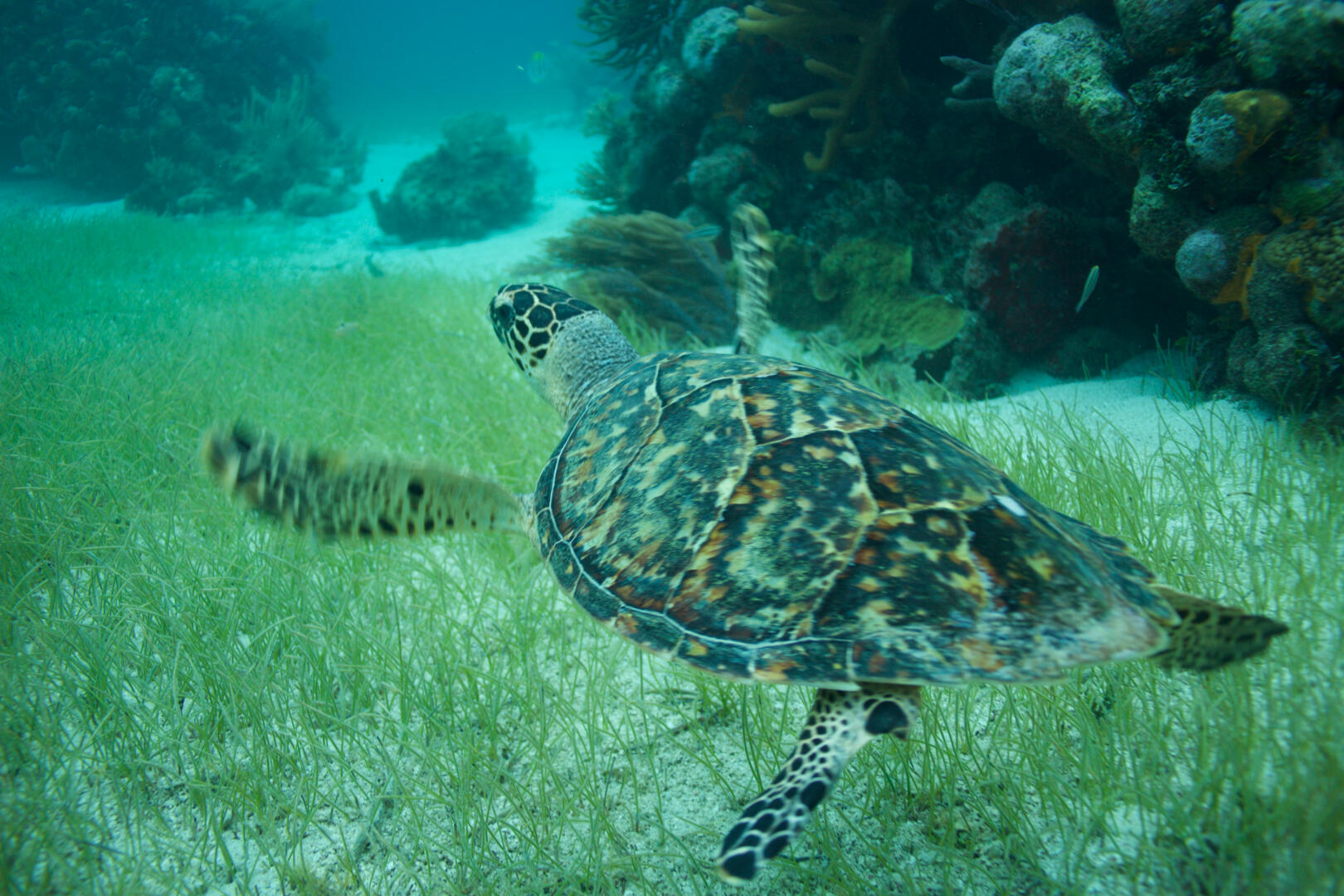
Belize’s marine environment encompasses some of the most diverse marine ecosystems in the Caribbean Sea, including vast coral reefs, mangrove forests and seagrass beds. We have maintained a permanent presence in Belize since 2010, supporting diverse fisheries and conservation efforts.
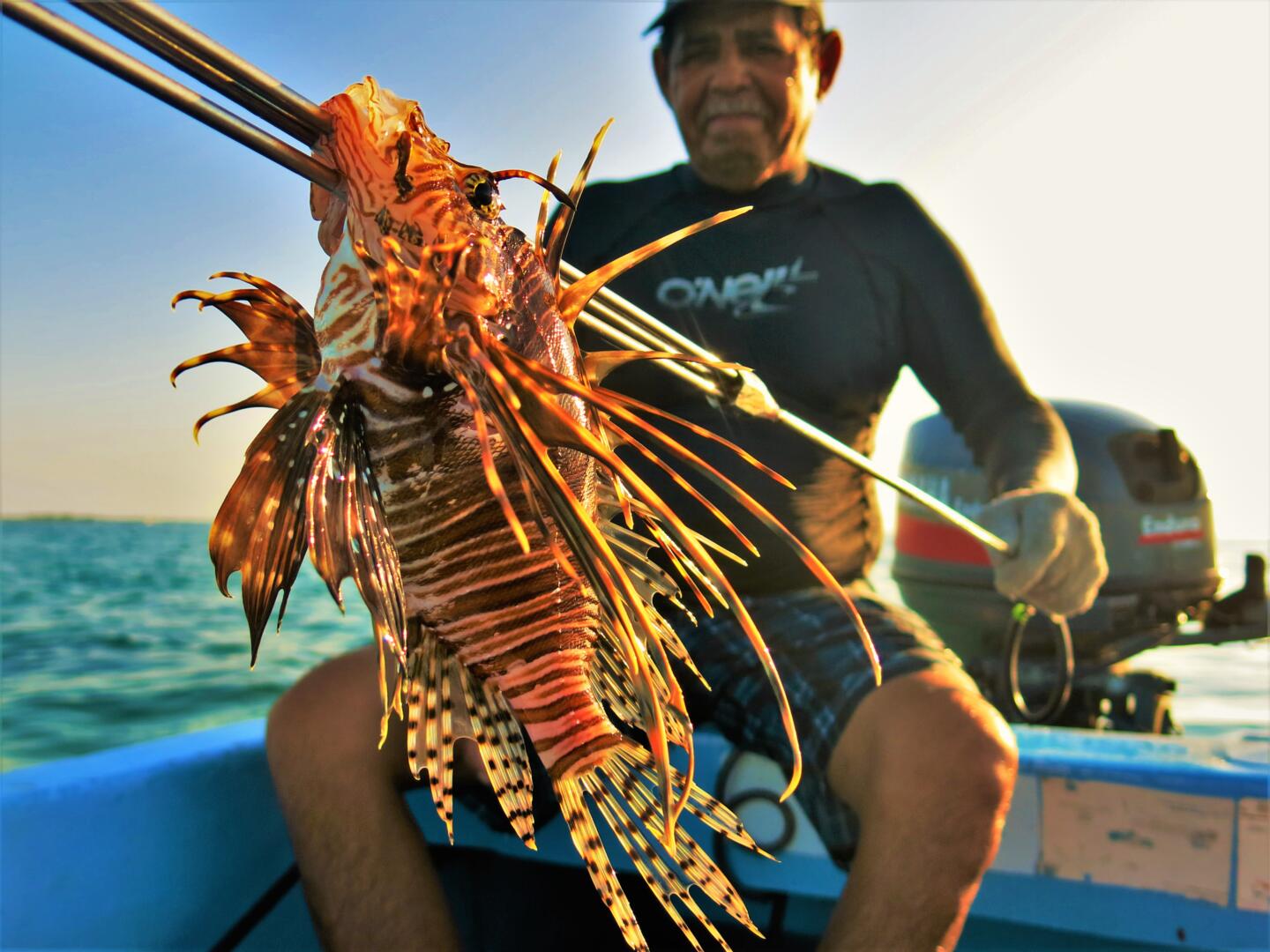
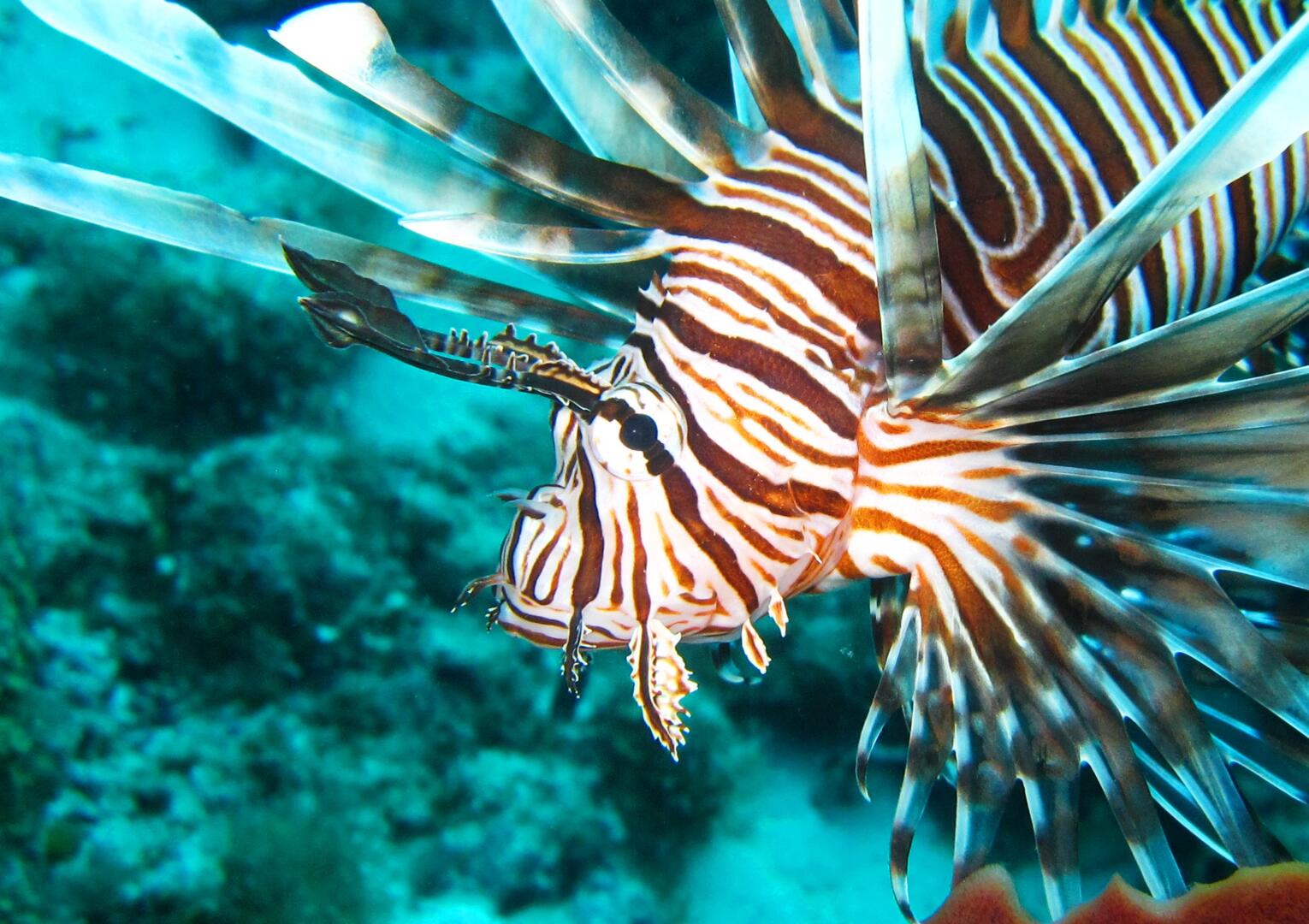
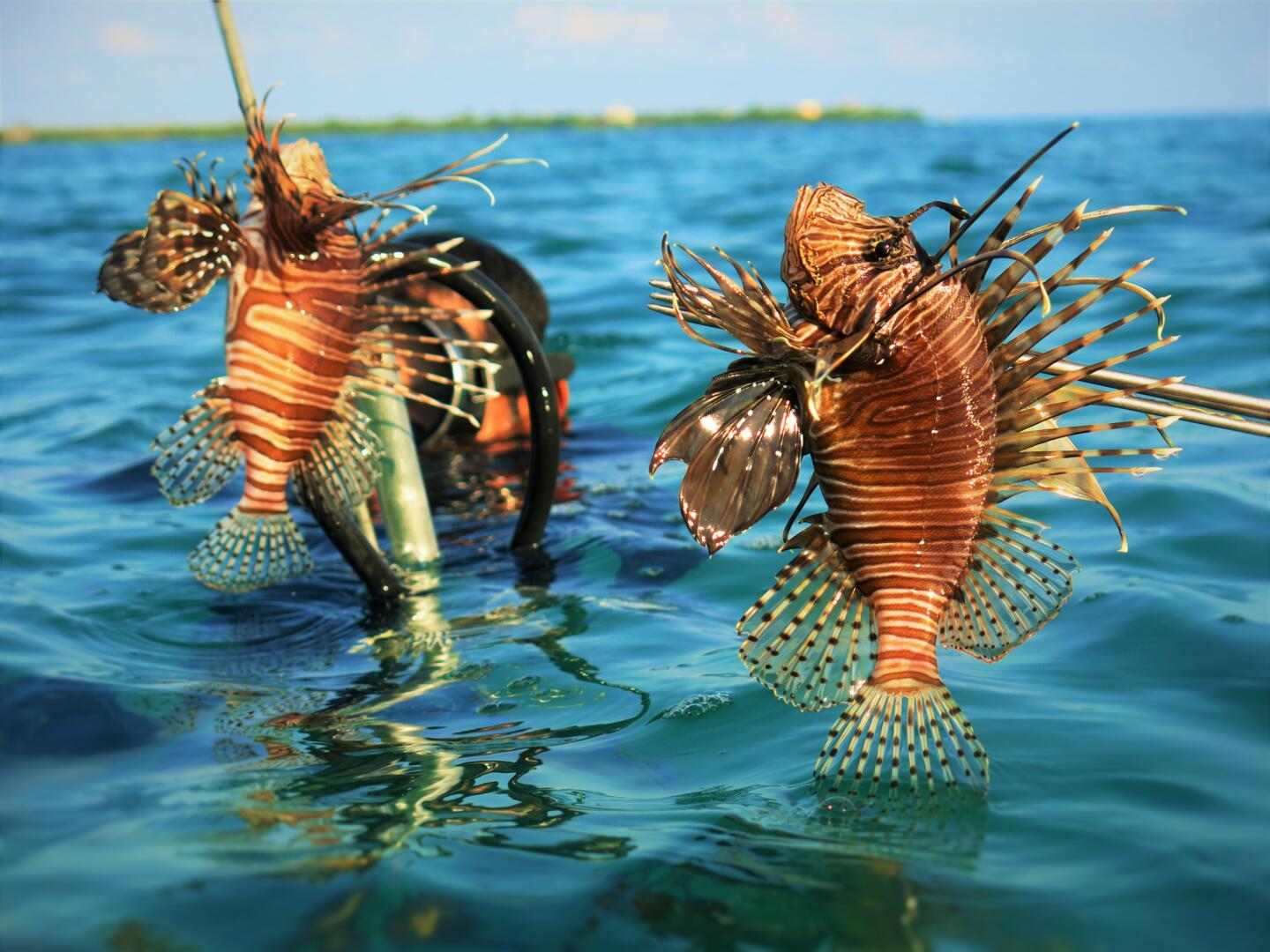
We work in close partnership with the Belize Fisheries Department, MPA managers, fishing cooperatives and fishers’ associations, and championed the establishment of a national scale domestic fishery targeting the invasive lionfish. We are actively promoting community led fisheries management, building on the success of our pioneering work with management of invasive lionfish.
We’ve led a decade-long MPA monitoring and evaluation programme in Bacalar Chico Marine Reserve, and provide regular training in coral reef monitoring methods to MPA authorities across Belize, including helping establish management targets for Turneffe Atoll Marine Reserve, Belize’s largest MPA.
Our team supports and strengthens fishing associations that advocate for the rights of their communities to be involved in decision making around access and use of coastal fisheries and to be key members of MPA management groups. Across the country we are working to ensure that fishers interests are mainstreamed in the design and implementation of marine conservation and fisheries management, improving the effectiveness of co-management of coral reef, mangrove and seagrass areas.
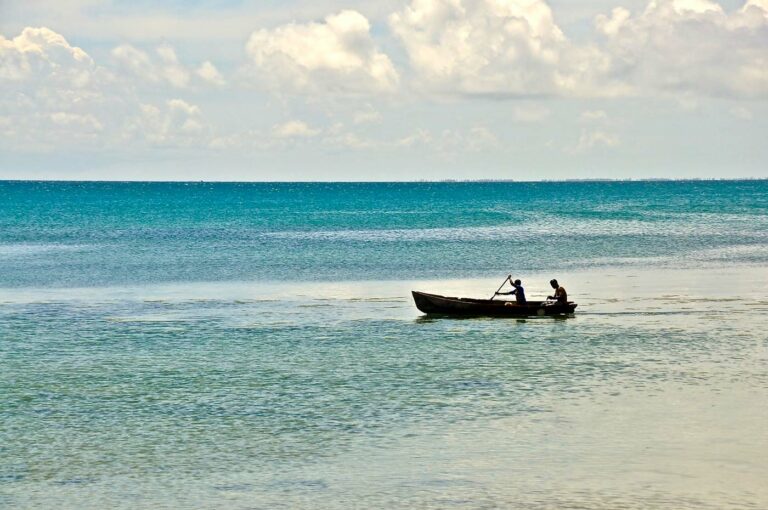
Extending for some 2,700km, Mozambique’s coastline is the third longest in the Indian ocean and supports millions of people with food and income.
Our Mozambican team has worked with communities to develop locally led approaches to fisheries management and marine conservation since 2015. Our approach is focused on supporting and strengthening local organisations and Community Fisheries Councils (CCPs) to better understand their local fisheries, make informed management decisions to rebuild fisheries, and assess the impact of management actions. This work is developed in close collaboration with our partners Oikos- Cooperação e Desenvolvimento in Nampula province and Love the Ocean in Inhambane province.
Ongoing security challenges have afflicted coastal communities and emerging marine conservation efforts in several areas of Cabo Delgado, where our work is regrettably now on hold.
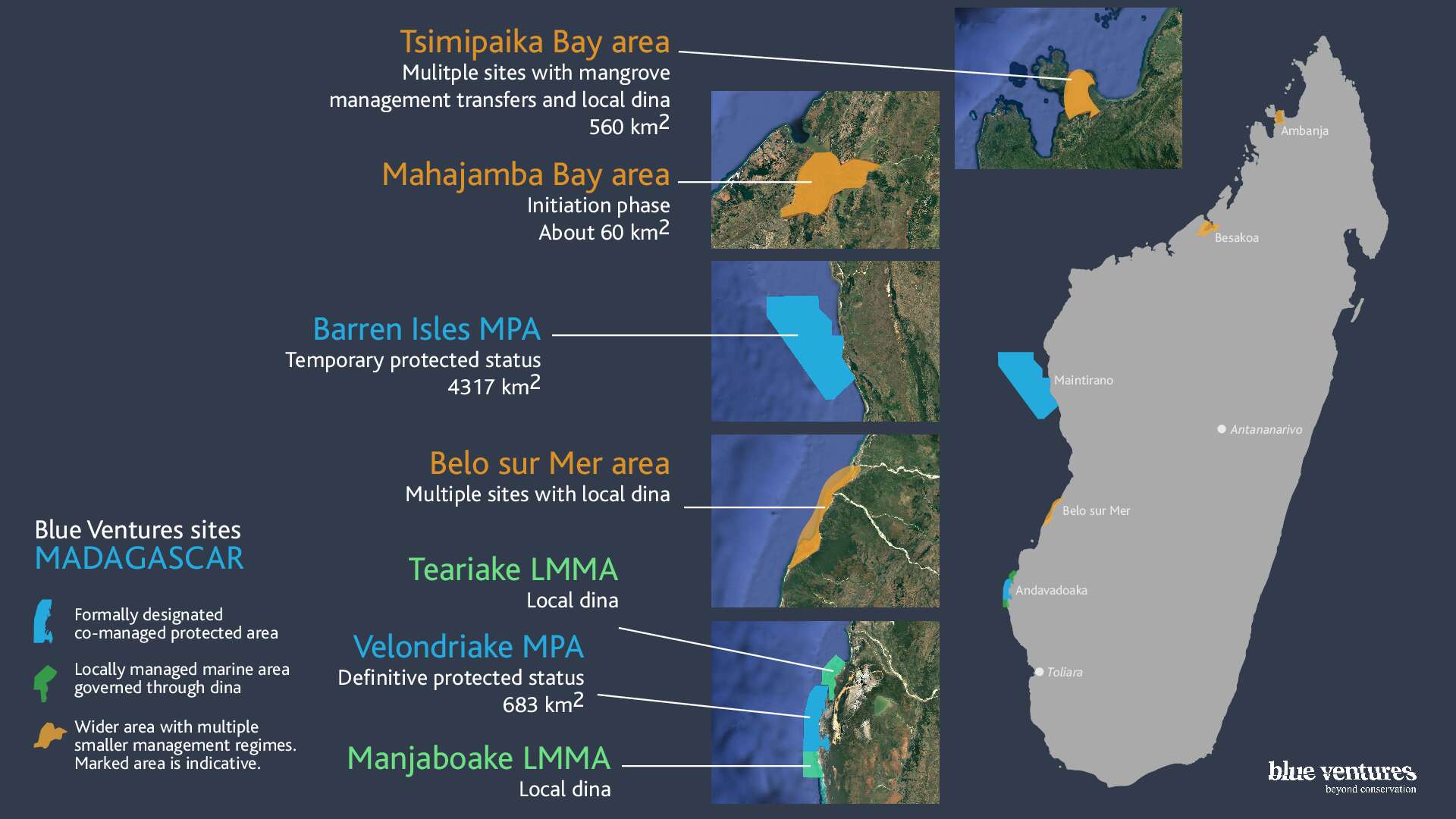
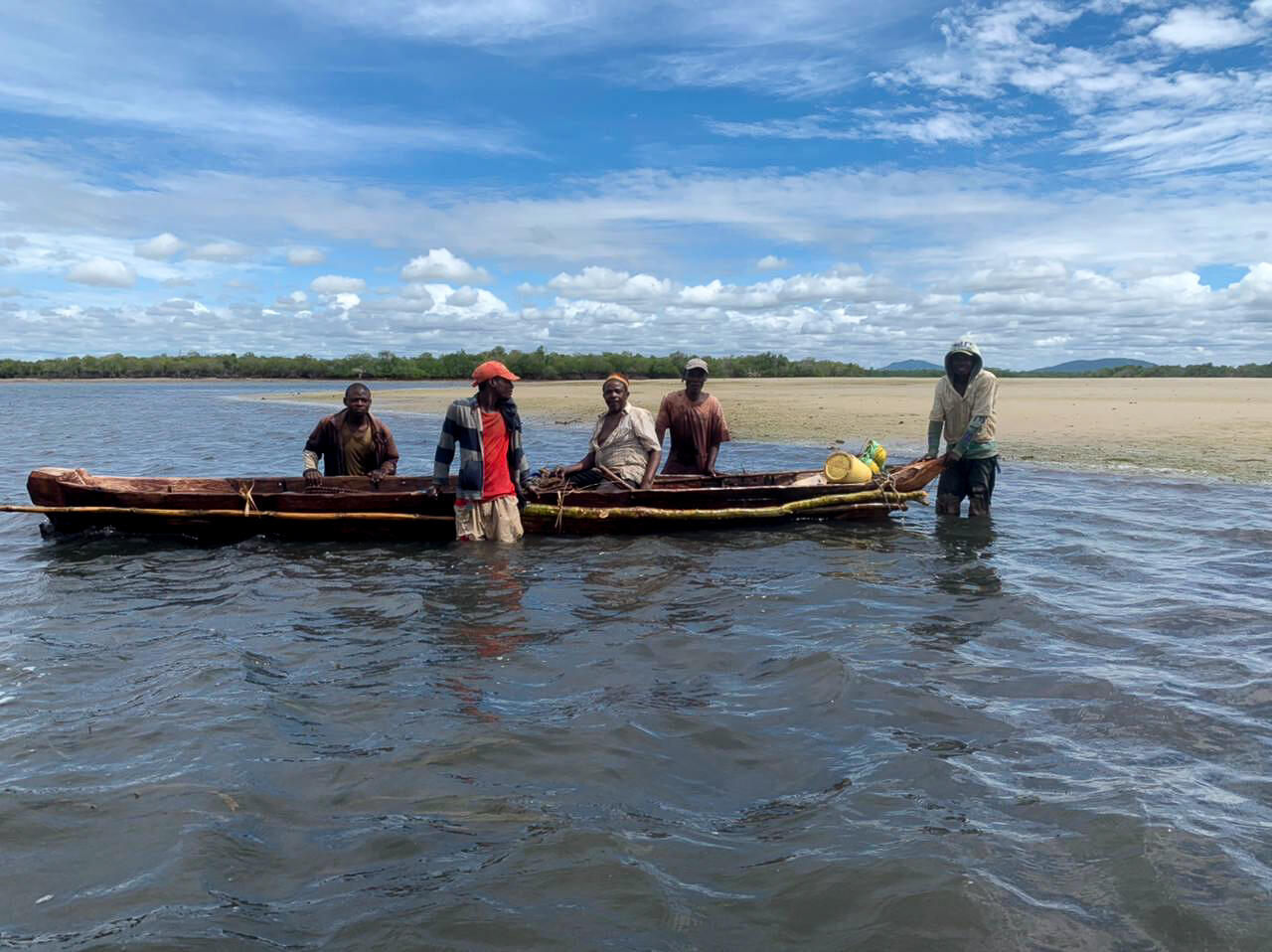
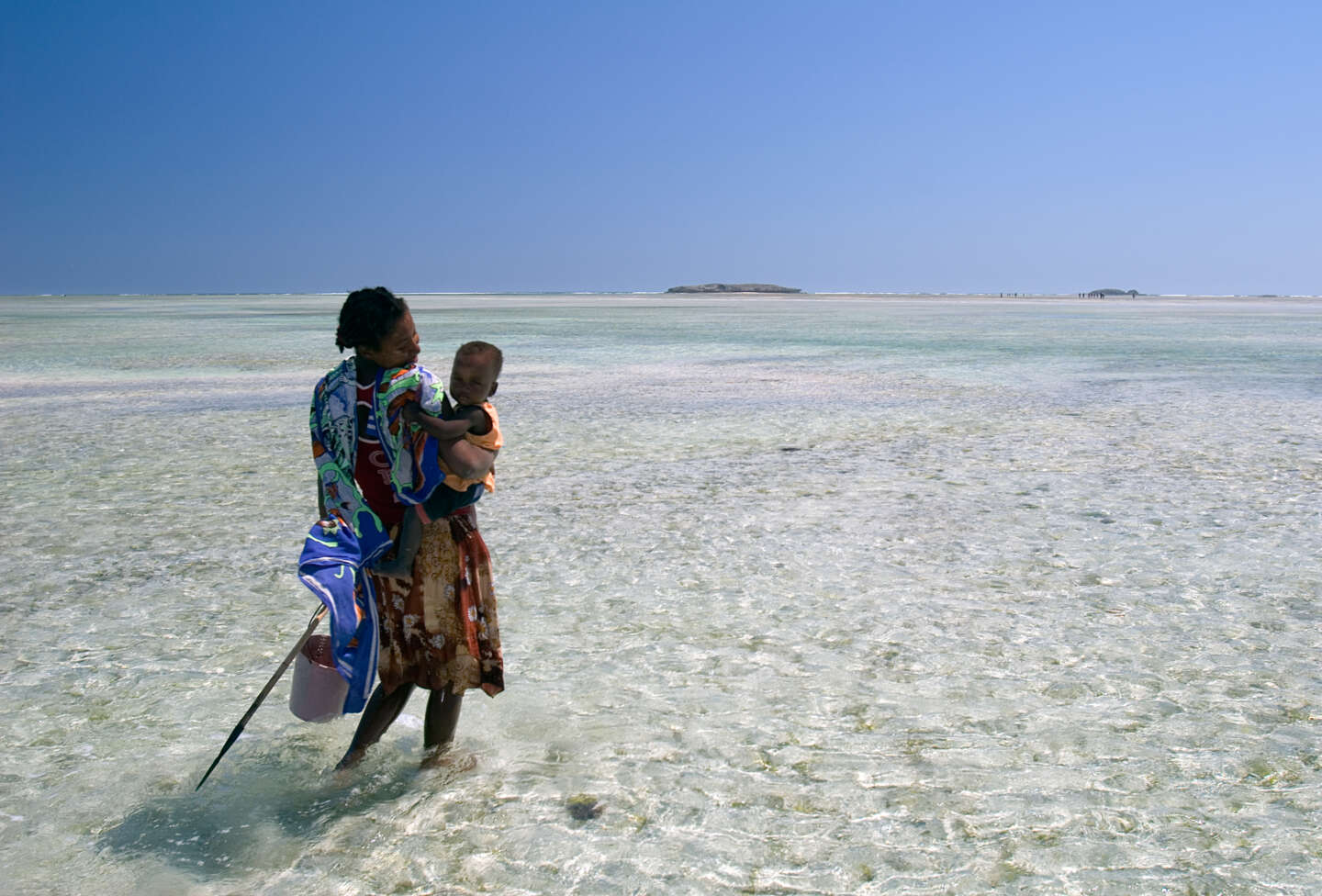
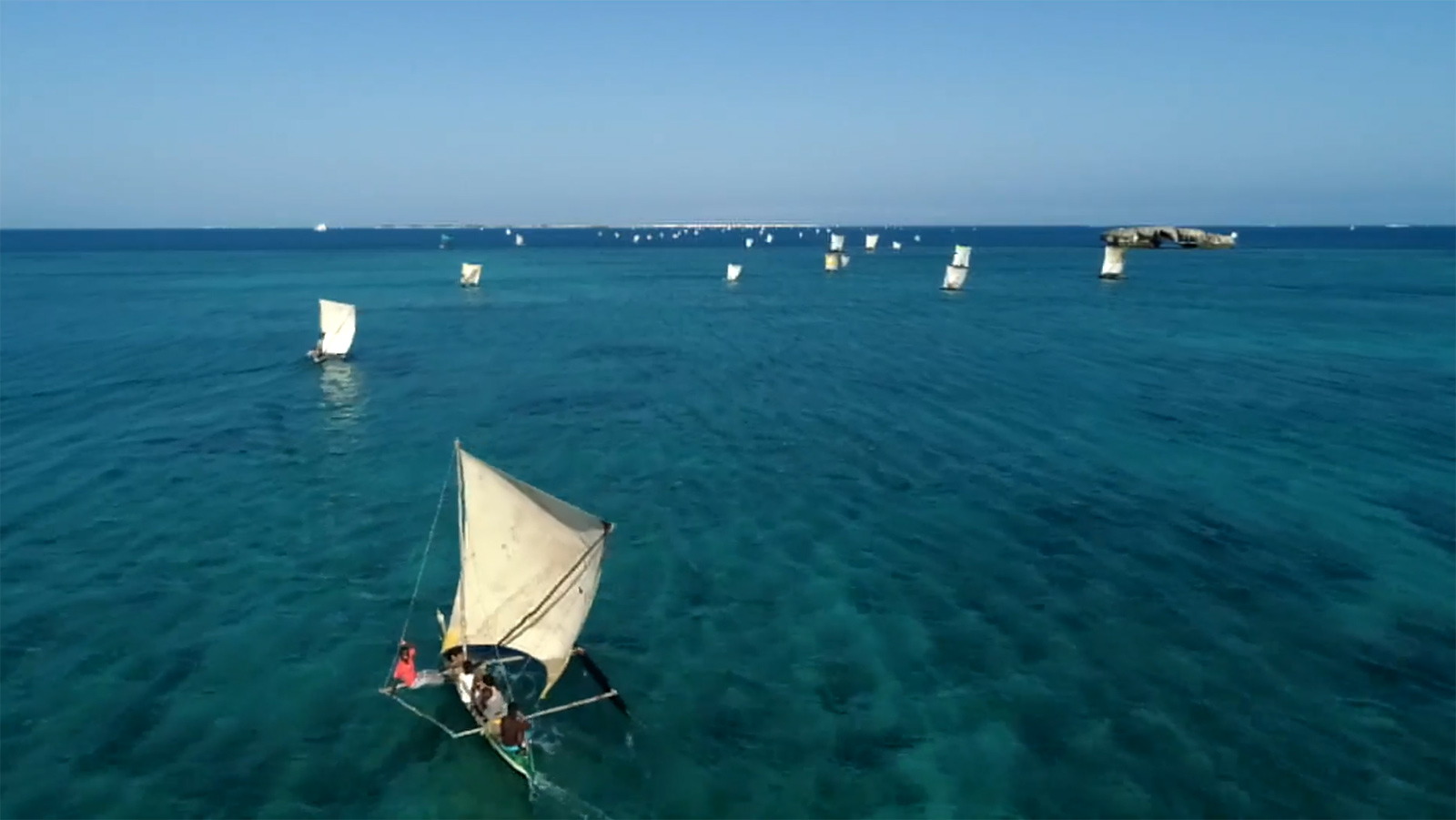
Blue Ventures’ journey began in Madagascar in 2003, and we’ve been supporting communities in marine conservation across the country ever since. We have five regional field programmes along Madagascar’s west coast, as well as regional offices in the towns of Ambanja, Mahajanga, Morondava and Toliara. Our national headquarters is located in the capital Antananarivo.
Across all these sites we support communities with the establishment of locally managed marine areas (LMMAs), and work with government partners to secure national recognition for community conservation initiatives. First developed in Madagascar by Blue Ventures in 2006, the LMMA concept has since been replicated by communities at hundreds of sites over thousands of kilometres of coastline, now covering almost one fifth of Madagascar’s inshore seabed. Our research in Madagascar has demonstrated globally important evidence of the benefits of LMMAs to fisheries and conservation.
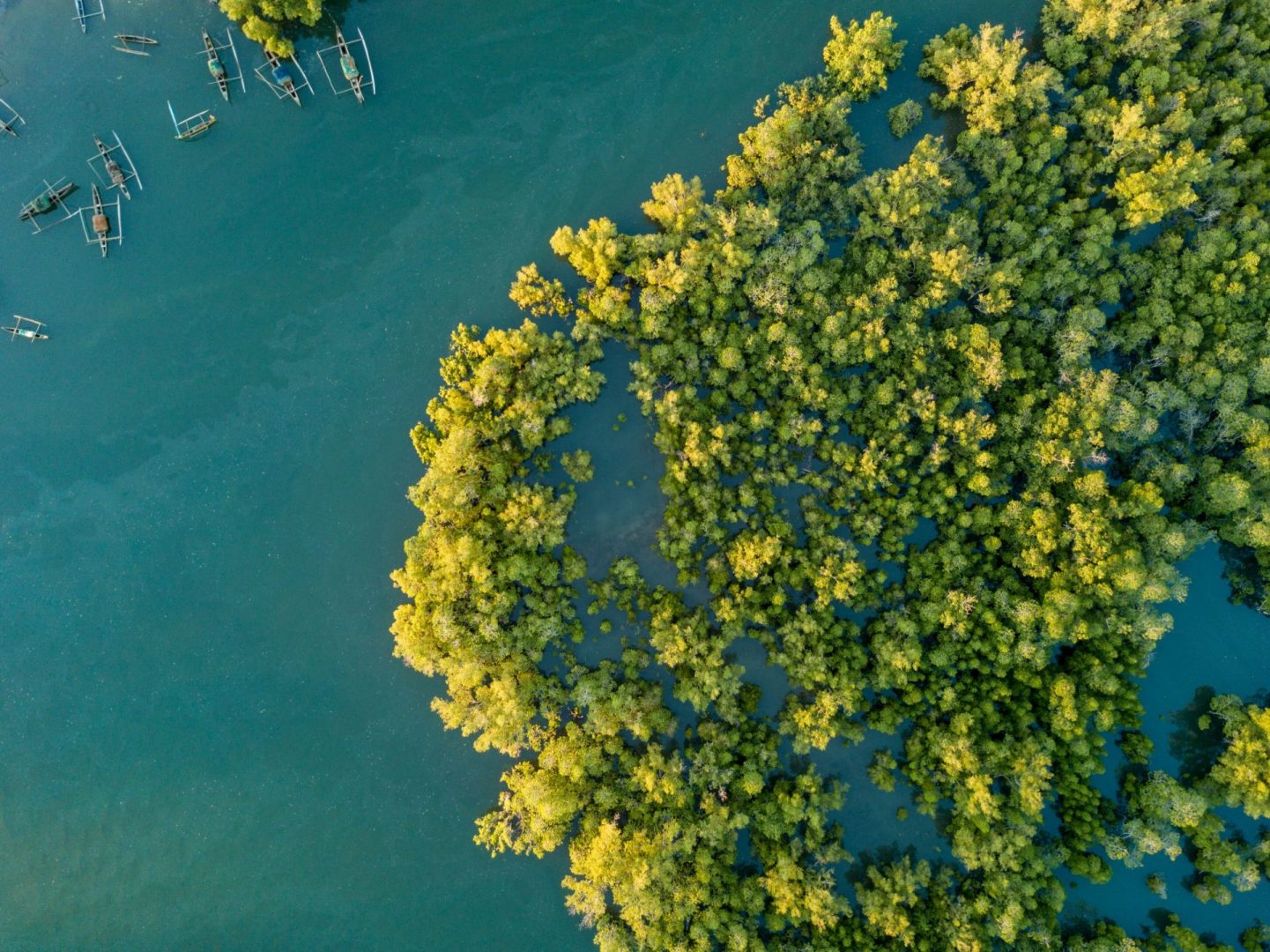
Our work focuses on strengthening community institutions in marine management and governance, and pioneering new approaches to catalyse community engagement in ocean conservation. These innovations have included establishing community led ecological monitoring and the country’s first mangrove blue carbon project.
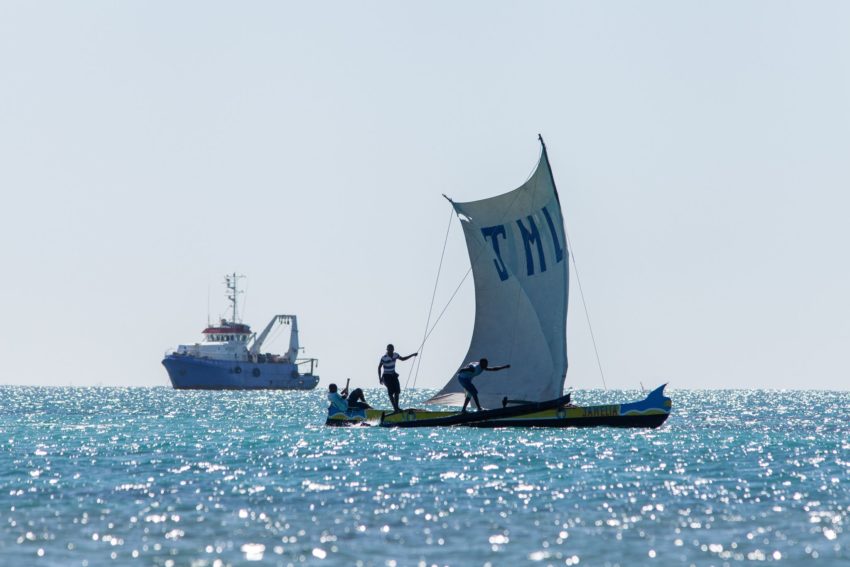
At the national level, we partner with the LMMA network MIHARI, which brings together 25 partner conservation organisations supporting 219 LMMA sites across the country. Our policy team is also actively involved in advocating for more robust legislation to safeguard the rights and interests of fishing communities, and to remove destructive industrial fishing from coastal waters. In 2022 we supported the launch of Fitsinjo, an industrial fisheries watchdog organisation. The network highlights industrial fishing and IUU activities in Madagascar and the broader Western Indian Ocean region.
Given the lack of basic services in remote coastal regions in Madagascar, we also help communities access basic healthcare through training and supporting women to serve as community health workers. We do not replace government health systems, but work to strengthen existing structures in close collaboration with government health actors and specialist NGOs. We also incubate Madagascar’s national health-environment network, which brings together 40 partner organisations to address the health needs of communities living in areas of conservation importance across the country.